

The Course Access & Navigation FAQ for Mondosol provides essential guidance on accessing courses, tracking progress, and navigating content. It covers common issues, mobile access, technical requirements, language preferences, and available support. Users have unlimited free access until 2025, with no restrictions on course completion during this period.
To help you get familiar with Course Access & Navigation, we’ve created this FAQ section. It is designed to answer your most common questions with clarity and ease of understanding. This guide will help enhance your experience at Mondosol, ensuring you feel supported every step of the way.
Accessing Your Courses
Q: How do I access my courses?
A: Accessing your courses is straightforward. Simply follow these easy steps for streamlined navigation:
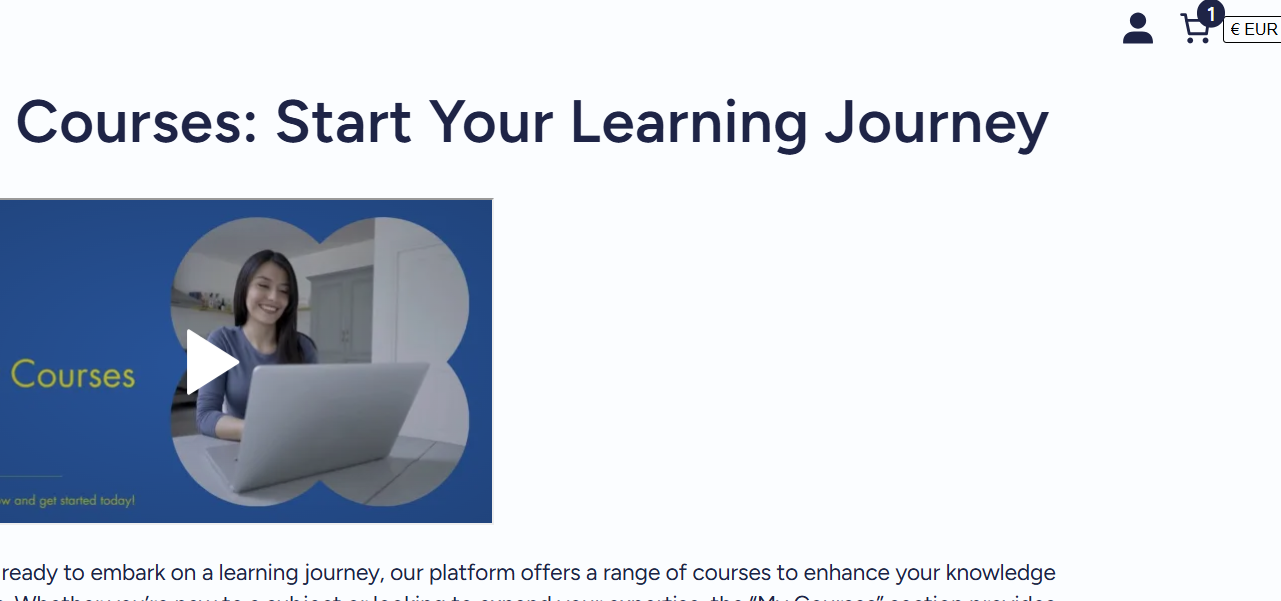
- Log in to your Mondosol account at mondosol.com.
- Click on “My Courses” in the main navigation bar.
- Select the course you wish to start.
- Finally, click “Start Course” or “Continue” if you’ve already begun.
Course Visibility Issues
Q: Why can’t I see my course after enrollment?
A: If you cannot see your course, consider these troubleshooting tips:
- Make sure you are logged into the correct account.
- Check your email for enrollment confirmation.
- Clear your browser cache, and then refresh the page.
- If the problem persists, please contact support.
Tracking Progress
Q: How do I track my course progress?
A: Your progress tracking is automatic. To view your progress, take these steps:
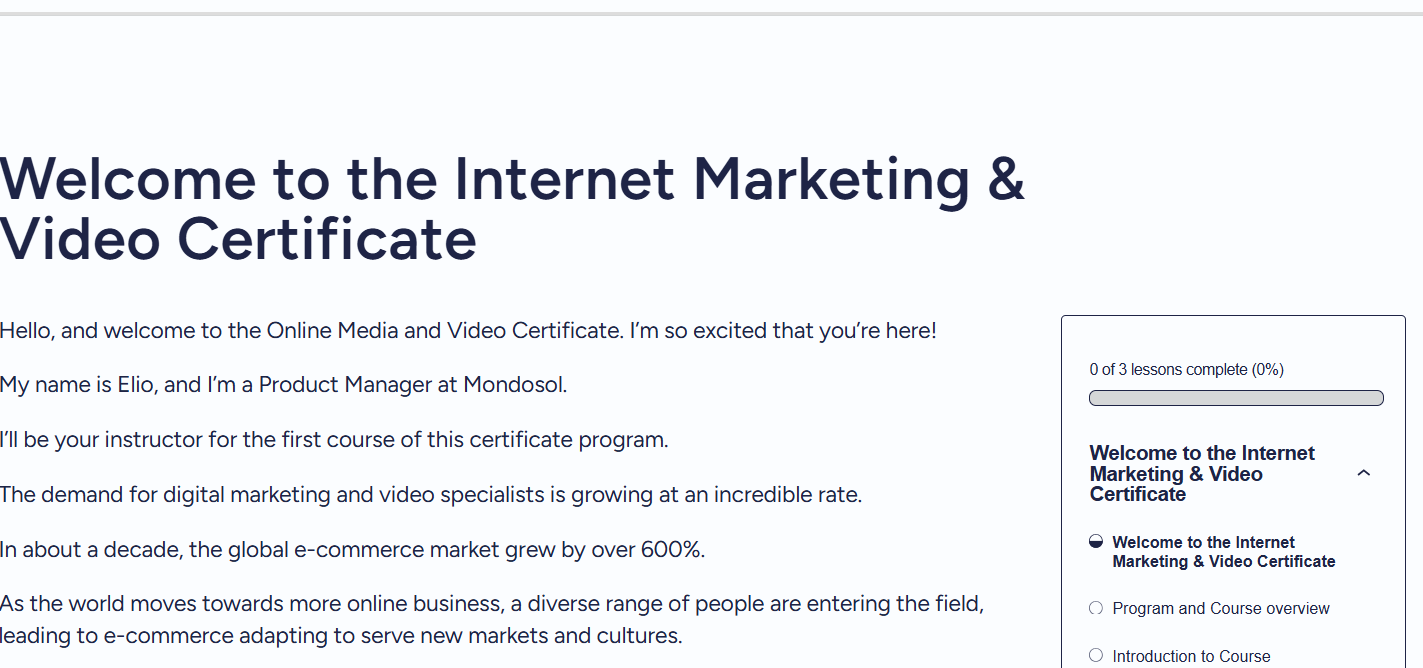
- Log in to your dashboard.
- Check the progress bar for each course.
- Look for a checkmark next to completed lessons.
- Incomplete lessons will be clearly indicated.
Mobile Access
Q: Can I access courses on my mobile device?
A: Yes, you can absolutely access Mondosol Course Access & Navigation on mobile devices! To get started:
- Use your mobile browser to visit mondosol.com.
- It’s compatible with both iOS and Android devices.
- Approximately 40% of our users enjoy courses on mobile.
- You will find that all features function fully on mobile.
Using mobile access provides flexibility and convenience, allowing you to learn on the go!
Navigating Lessons
Q: How do I navigate between lessons?
A: To move effortlessly through your course, utilize Course Access & Navigation by doing the following:
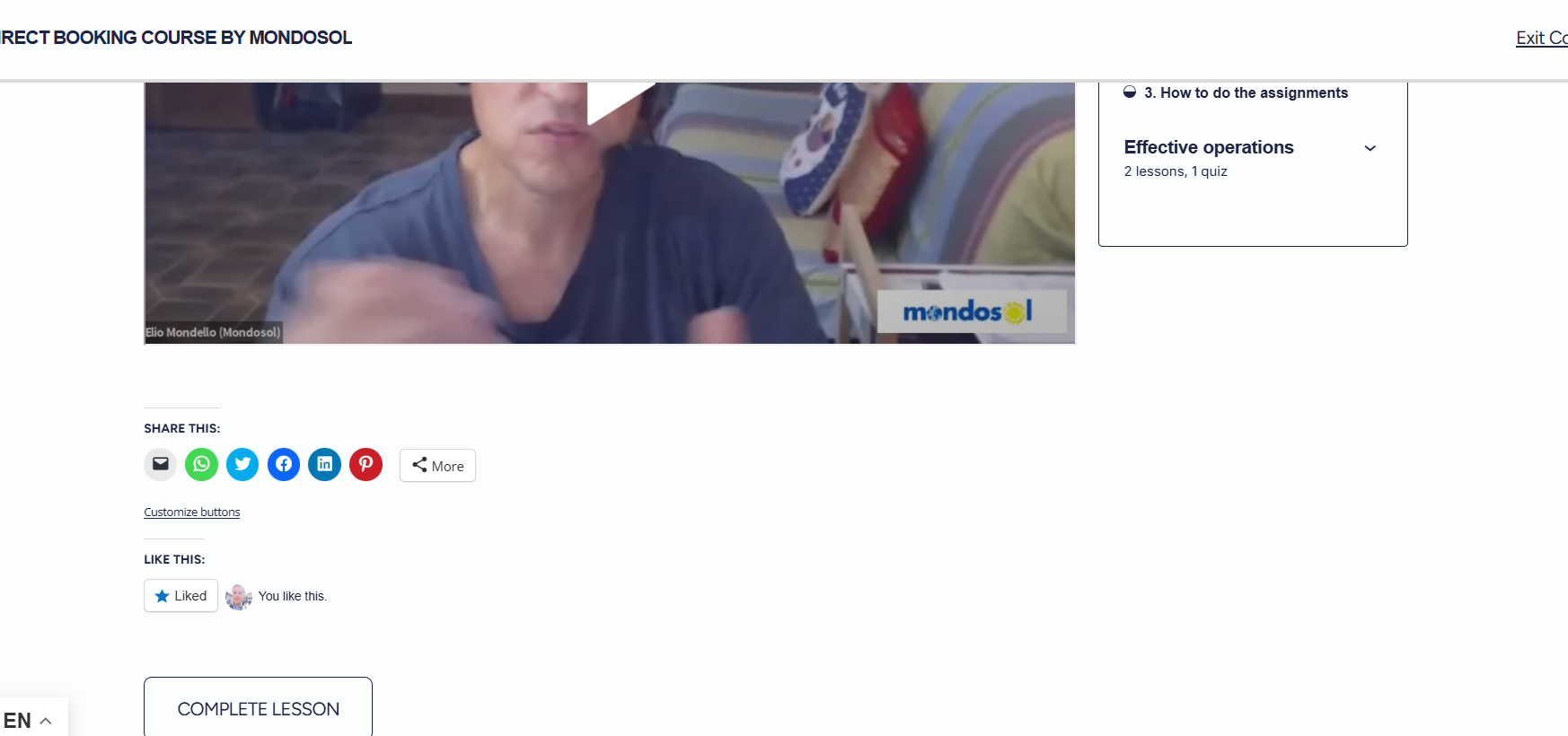
- Click the “Next” or “Previous” buttons.
- Select specific lessons in the course outline.
- Use the course progress menu to jump to any lesson.
- Rest assured that your progress saves automatically!
Technical Requirements
Q: What are the technical requirements for accessing courses?
A: To ensure a smooth experience, please meet these minimum requirements:
- Use a modern web browser like Chrome, Firefox, Safari, or Edge.
- Ensure you have a stable internet connection.
- Enable JavaScript in your browser settings.
- Keep your browser updated to the latest version.
Changing Course Language
Q: How do I change the course language?
A: To adjust the language of your course, follow these steps:
- Look for the language selector in the top navigation.
- Choose from 102 different languages.
- The content will translate automatically.
- Your language preference will save for next time.
Technical Issues
Q: What if I encounter technical issues during my course?
A: If you experience any problems, here are some helpful troubleshooting steps:
- Refresh the browser page.
- Clear your cache and cookies.
- Try using a different web browser.
- Contact support, providing the details of the issue for further assistance.
Offline Viewing
Q: Can I download course materials for offline viewing?
A: Currently, all courses are intended for online viewing only. However, some PDFs might be available for download within the course materials. Thus:
- Ensure your internet is stable for the best experience.
- Remember to save important notes manually, as offline access is limited.
Course Access Duration
Q: How long do I have access to my courses?
A: Here’s what you need to know about access duration:
- All courses remain free until 2025.
- You can enjoy unlimited Course Access & Navigation during this time.
- There are no deadlines for completing the courses.
- We will share new pricing information before 2025.
Frequently Encountered Issues
To further assist you, here are some commonly faced issues:
- Enrollment Confirmation Missing: Ensure you check your spam folder if you do not see the enrollment confirmation email.
- Login Problems: If you experience difficulties logging in, try resetting your password.
Additional Features
- Search Feature: Use the search bar at the top of the FAQ section. It helps you quickly find answers related to Course Access & Navigation.
- Table of Contents: A table of contents provides simpler navigation through the FAQ.
- Highlighted Key Points: We highlight important points and common issues in bold for emphasis.
- Visual Aids: Screenshots and images illustrate steps in Course Access & Navigation.
- Internal Links: We link related articles and courses throughout the FAQs to assist with further information.
- User Feedback Review: We will regularly update FAQs based on user feedback and frequent inquiries.
For any further questions or support, feel free to reach out through Mondosol Support.






Leave a Reply