

Find your receipts in your account dashboard at mondosol.com/my-account under “Orders” or “Billing History.” Receipts are also emailed immediately after purchase. Download PDF copies anytime for your records.
Estimated reading time: 6 minutes
Last Updated: November 2025
Quick Answer
Find your receipts in your account dashboard at mondosol.com/my-account under “Orders” or “Billing History.” Receipts are also emailed immediately after purchase. Download PDF copies anytime for your records.
Key Takeaways
- You can find receipts in your account dashboard at mondosol.com/my-account under ‘Orders’ or ‘Billing History.’
- Automatic email receipts get sent after purchase and include important details as well as a PDF attachment; check your spam folder if not received.
- To access your receipts, log into your account, select ‘Orders’ or ‘Billing History’ to view and download PDF copies at any time.
- You have options to filter receipts by date, order number, or payment method for easier access.
- If you need help, email support at eliomondello@mondosol.com or call +47 90167906 for assistance.
Table of contents
Accessing Your Receipts
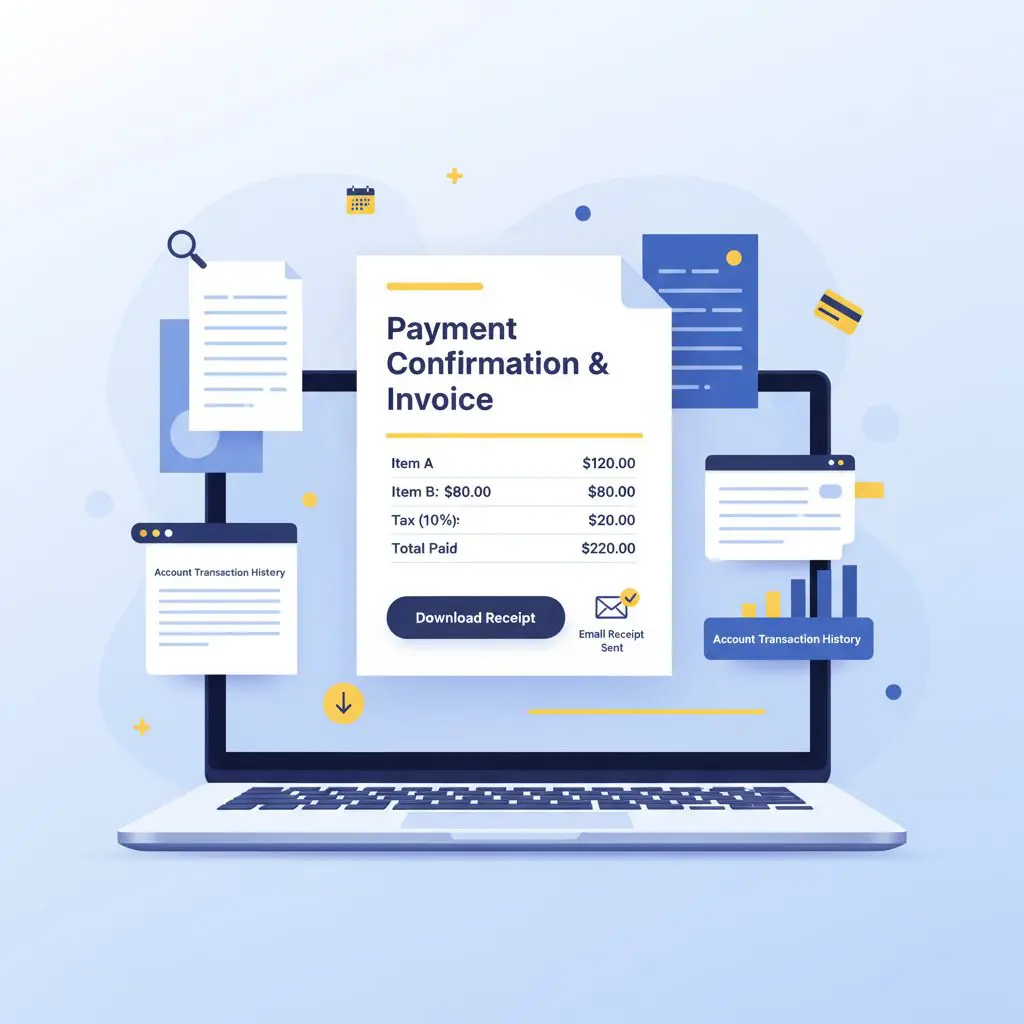
📧 Email Receipts
Automatic Email Delivery:
- Sent immediately after purchase
- From: eliomondello@mondosol.com
- Subject: “Your Mondosol Receipt – Order #[number]”
- Includes PDF attachment
- Check spam/junk folder if missing
Email Receipt Contains:
- Order number
- Purchase date
- Item description
- Amount paid
- Payment method
- Billing address
- Download link
Didn’t Receive Email?
- Check spam/junk folder
- Verify email address
- Wait 10–15 minutes
- Request resend from account
- Contact support
💻 Account Dashboard Receipts
How to Access:
- Visit mondosol.com
- Click “My Account” (top-right)
- Log in with credentials
- Select “Orders” or “Billing History”
- View all receipts
What You’ll See:
- Complete order history
- Receipt for each purchase
- Download PDF option
- Print option
- Email resend option
Download Options:
- PDF format
- Printable version
- Mobile-friendly
- Save to device
- Share via email
Finding Specific Receipts
🔍 Search by Date
Filter Options:
- Last 30 days
- Last 3 months
- Last 6 months
- Last year
- Custom date range
How to Filter:
- Go to billing history
- Select date range
- Click “Filter” or “Search”
- View filtered results
- Download as needed
🎯 Search by Order Number
Locate Order Number:
- Check confirmation email
- Review account dashboard
- Look at previous receipts
- Contact support if lost
Search Process:
- Go to billing history
- Enter order number
- Click “Search”
- View receipt
- Download PDF
💳 Search by Payment Method
Filter by Card:
- Last 4 digits of card
- Card type (Visa/Mastercard/Amex)
- PayPal transactions
- Bank transfers
- View matching receipts
How to Filter:
- Go to billing history
- Select payment method
- View filtered results
- Download receipts
- Export if needed
Receipt Information Included
📄 Standard Receipt Details
Transaction Information:
- Order number (unique ID)
- Purchase date and time
- Item name and description
- Quantity purchased
- Unit price
- Total amount paid
Payment Details:
- Payment method used
- Last 4 digits of card
- Transaction ID
- Payment processor
- Currency used
- Exchange rate (if applicable)
Billing Information:
- Billing name
- Billing address
- Email address
- Phone number (if provided)
- VAT/Tax ID (if applicable)
Company Information:
- Mondosol business details
- Organization number: 997498437
- Business registration: 916446519
- Contact information
- Website URL
Downloading and Saving Receipts
💾 Download PDF Receipts
From Account Dashboard:
- Log into account
- Go to billing history
- Find desired receipt
- Click “Download PDF”
- Save to device
From Email:
- Open receipt email
- Click PDF attachment
- Download to device
- Save in organized folder
- Rename for easy finding
File Format:
- PDF (standard)
- Print-ready
- Mobile-compatible
- Searchable text
- Professional layout
🖨️ Printing Receipts
Print Options:
- Print directly from browser
- Download PDF first
- Use print-friendly version
- Adjust page settings
- Save as PDF option
Print Settings:
- Paper size: A4 or Letter
- Orientation: Portrait
- Color or black/white
- Single or double-sided
- Scale to fit page
📁 Organizing Receipts
Best Practices:
- Create dedicated folder
- Name by date and order number
- Organize by year/month
- Use cloud storage
- Backup regularly
Folder Structure Example:
- Mondosol_Receipts/
- 2025/
- January/
- February/
- 2024/
- 2025/
Digital Organization:
- Use cloud storage (Google Drive, Dropbox)
- Tag receipts by category
- Create searchable database
- Set up automatic backup
- Share with accountant if needed
Resending Receipts
📨 Request Receipt Resend
From Account Dashboard:
- Log into account
- Go to billing history
- Find order
- Click “Resend Receipt”
- Check email inbox
Via Email Request:
- Email: eliomondello@mondosol.com
- Subject: “Resend Receipt – Order #[number]”
- Include order number
- Provide email address
- Receive within 24 hours
What Gets Resent:
- Original receipt
- PDF attachment
- Order details
- Download link
- Support contact info
Receipt for Different Purchase Types
📚 Course Receipts
Includes:
- Course name and description
- Course price
- Access duration
- Enrollment date
- Certificate eligibility
Additional Information:
- Course instructor
- Course level
- Language
- Completion requirements
- Refund policy reference
🎯 Coaching Package Receipts
Includes:
- Package name (Basic/Complete/Premium)
- Package price
- Number of sessions
- Session duration
- Booking instructions
Additional Information:
- Coach name
- Session scheduling link
- Cancellation policy
- Rescheduling options
- Support contact
📦 Digital Product Receipts
Includes:
- Product name
- Product type (eBook/template/guide)
- Price paid
- Download link
- License information
Additional Information:
- File format
- File size
- Download expiration
- Usage rights
- Support contact
Receipt FAQs
Immediately after purchase via email. Also available in account dashboard.
Yes, confirmation email sent with enrollment details, though amount is €0.
Indefinitely in your account. Access anytime.
Receipt shows currency used for payment. Contact support for conversion.
Contact eliomondello@mondosol.com immediately for correction.
Yes, request VAT invoice from account or contact support.
Similar but invoices include more details. Request invoice if needed.
Currently one at a time. Contact support for bulk export.
Download from account dashboard or request resend.
Only you can access via your account. Keep login secure.
Troubleshooting Receipt Issues
⚠️ Common Problems
Receipt Email Not Received:
- Check spam/junk folder
- Verify email address in account
- Wait 15 minutes for delivery
- Request resend from dashboard
- Contact support
Cannot Download PDF:
- Try different browser
- Disable pop-up blocker
- Check internet connection
- Clear browser cache
- Contact support
Receipt Shows Wrong Information:
- Verify order number
- Check account details
- Contact support immediately
- Provide correct information
- Request corrected receipt
Cannot Access Account:
- Reset password
- Check email for login link
- Clear browser cookies
- Try different device
- Contact support
Receipt Missing from History:
- Check date filters
- Search by order number
- Verify payment completed
- Wait 24 hours for processing
- Contact support
Tax and Accounting
🧾 Using Receipts for Taxes
Business Expenses:
- Keep all receipts
- Organize by tax year
- Consult tax professional
- Include in business records
- Claim eligible deductions
Personal Records:
- Save for personal files
- Track professional development
- Document education expenses
- Keep for warranty/support
- Share with accountant
VAT/Tax Information:
- VAT included in price (if applicable)
- Tax ID on invoice
- Country-specific tax rules
- Consult local regulations
- Request VAT invoice if needed
Need Help with Receipts?
- Contact Us:
Email: eliomondello@mondosol.com
Response time: 1–2 days
Phone: +47 90167906
Languages: English, Italian, Norwegian, French, 98 others - Before Contacting:
Have order number ready
Check account dashboard first
Search email inbox/spam
Note specific issue
Gather relevant details
Related FAQs:
Your receipts, always accessible – organized, secure, and ready when you need them! 📄✨





Leave a Reply