

Learn how to protect your Mondosol account on mobile devices. Discover essential security practices including password management, two-factor authentication, and safe browsing tips for mobile learning.
Keeping your Mondosol mobile access secure is essential for protecting your personal information, course progress, and payment details. Follow these best practices to ensure safe mobile learning.
🔒 Essential Mobile Security Practices
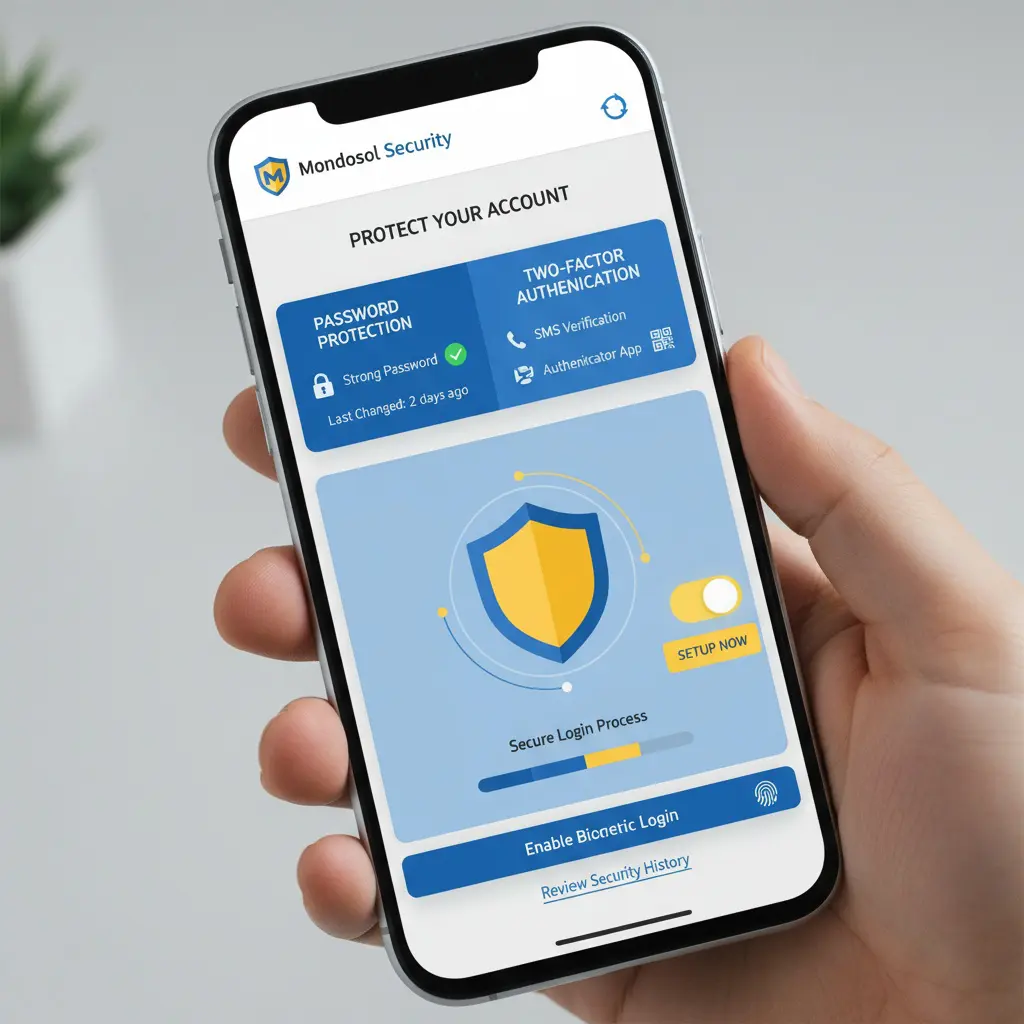
Strong Password Protection Create a unique, strong password for your Mondosol account:
- Use at least 12 characters
- Combine uppercase, lowercase, numbers, and symbols
- Avoid common words or personal information
- Never reuse passwords from other accounts
Enable Two-Factor Authentication Add an extra layer of security by enabling two-factor authentication (2FA) on your account settings. This requires a verification code in addition to your password when logging in from new devices.
Keep Your Device Updated Regularly update your mobile operating system and browser to the latest versions. Security patches protect against vulnerabilities that could compromise your account.
📱 Mobile-Specific Security Tips
Secure Your Device
- Enable device lock screen (PIN, pattern, or biometric)
- Use fingerprint or face recognition when available
- Never leave your device unattended while logged in
- Enable “Find My Device” features for lost/stolen devices
Use Secure Connections
- Connect only to trusted Wi-Fi networks
- Avoid public Wi-Fi for accessing sensitive information
- Use a VPN when connecting to public networks
- Enable mobile data encryption

Browser Security
- Clear cache and cookies regularly
- Enable “Do Not Track” in browser settings
- Use private/incognito mode on shared devices
- Log out after each session on public devices
🛡️ Account Protection Features
Mondosol provides several security features:
- SSL Encryption: All data transmitted is encrypted
- Secure Payment Processing: PCI-compliant payment systems
- Session Timeout: Automatic logout after inactivity
- Login Notifications: Email alerts for new device logins
⚠️ Recognize Security Threats
Phishing Awareness
- Mondosol will never ask for your password via email
- Verify email sender addresses before clicking links
- Report suspicious emails to our support team
Suspicious Activity If you notice unauthorized access:
- Change your password immediately
- Review recent account activity
- Contact Mondosol support
- Check connected devices in account settings
🔐 Privacy Settings
Manage your privacy on mobile:
- Review app permissions regularly
- Disable location tracking when not needed
- Control cookie preferences
- Manage notification settings

📚 External Resources
Learn more about mobile security:
- Mobile Security Best Practices – CISA
- Online Safety Guide – FTC
📚 Internal Resources
Need Security Help? Contact our support team or visit our FAQ page for more security guidance.






Leave a Reply