


Are you having trouble with Adobe software? You’re not alone—many users experience similar frustrations. As a data analyst familiar with different software, I’ve faced these issues too.

In this Adobe Troubleshooting Guide, I’ll share common problems and practical solutions based on user experiences. I will also offer tips to help you avoid these issues in the future.
Common Adobe Software Issues and Solutions
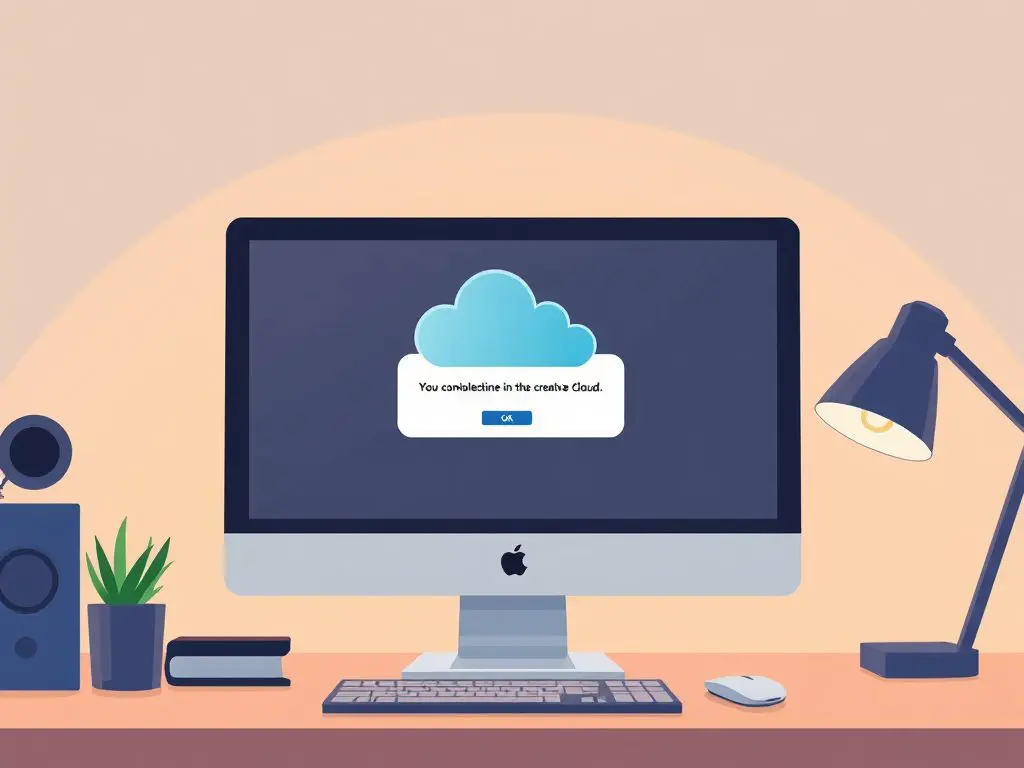
1. Adobe Creative Cloud Desktop App Won’t Open
The Problem: Users often face the Creative Cloud app failing to launch or getting stuck on the loading screen.
Quick Fixes:
- Clear the Creative Cloud cache
- Run the Creative Cloud Cleaner tool
- Restart your computer
- Reinstall Creative Cloud, as suggested in the Adobe Troubleshooting Guide
2. Adobe License Verification Error
The Problem: The dreaded “License has expired” or “License verification failed” message.
Solutions:
- Sign out and sign back into Creative Cloud
- Check your subscription status
- Update the Creative Cloud desktop app
- Contact Adobe support if payment is current. Review the Adobe Troubleshooting Guide for more details.
3. Adobe Photoshop Performance Problems
The Problem: Slow performance, lag, or crashes during use.
Performance Boosters:
- Increase RAM allocation
- Clear Photoshop cache
- Reduce scratch disk usage
- Update graphics drivers
- Adjust preferences settings using the Adobe Troubleshooting Guide
4. PDF Files Won’t Open in Adobe Acrobat
The Problem: Error messages when trying to open PDF files.
Troubleshooting Steps:
- Update Adobe Acrobat to the latest version
- Clear temporary files
- Repair the PDF file
- Try opening in Safe Mode as recommended by the Adobe Troubleshooting Guide

5. Adobe After Effects RAM Preview Challenges
The Problem: Slow rendering or preview problems.
Solutions:
- Adjust memory settings
- Clear media cache
- Reduce project complexity
- Update graphics drivers. Consult the Adobe Troubleshooting Guide for additional advice.
Key Tips for Preventing Adobe Issues
- Regular Maintenance:
- Keep software updated
- Clear cache monthly
- Watch system resources
- System Requirements:
- Make sure your hardware meets basic specifications
- Keep adequate free disk space
- Regularly update your operating system
- Backup Practices:
- Allow auto-save
- Create regular backups
- Use cloud storage for critical files
Common Mistakes That Lead to Adobe Errors
- Ignoring software updates can lead to compatibility issues.
- Failing to clear cache regularly may cause performance bottlenecks.
- Not checking system requirements can result in crashes and instability.
When to Contact Adobe Support
If you’ve tried these solutions and still experience issues:
- Document the error message.
- Note when the problem occurs.
- Have your system specifications ready.
- Contact Adobe’s customer support as suggested in the Adobe Troubleshooting Guide.
Extra Resources for In-Depth Help
Tools for Troubleshooting
- Adobe Creative Cloud Cleaner Tool
- Adobe Support Advisor
- System Resource Checker
- Graphics Driver Update Utilities
Have you encountered any of these Adobe errors? What specific solutions have worked for you? Share your experiences in the comments below! 🖥️💡
[This guide is regularly updated to show the latest Adobe software versions and solutions in the Adobe Troubleshooting Guide]






Leave a Reply