


Creating engaging and professional course materials has never been easier, especially with the versatile design features offered by Canva. In this guide, I will show educators like you how to create effective course materials. These materials can seamlessly work across multiple platforms. They cater to learners in 102 languages.

Your Guide to Creating Course Materials with Canva
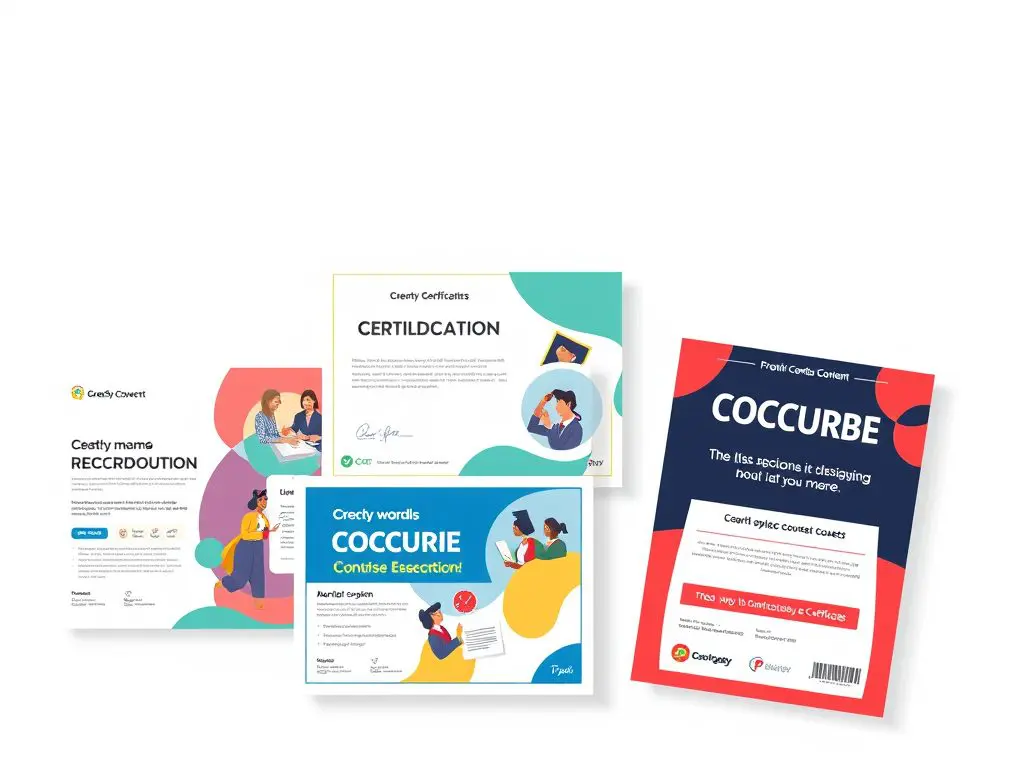
Get ready to enhance your educational content from course covers to certificates, ensuring a visually appealing and impactful learning experience.
Course Cover Design (Section 1)
Creating an effective course cover lays the foundation for a professional appearance. Here’s how to get started:
- Set up the perfect dimensions: Use a standard size of 1920x1080px.
- Create your brand kit: Make sure consistent education branding through:
- Typography combinations for education
- Color psychology for learning
- Educational icons and elements
- Placement of course level and duration

Module Thumbnail Creation (Section 2)
To guarantee a cohesive visual identity, follow these guidelines:
- Create a cohesive visual system.
- Develop templates for consistent branding.
- Implement a numbering system for modules.
- Include progress indicators.
- Prepare language adaptation spaces.

Lesson Presentation Templates (Section 3)
For effective lesson presentations, consider the next:
- Create master slides that keep consistency.
- Create a content hierarchy for improved learning.
- Use visual learning elements to engage.
- Strategically place interactive elements.
- Keep multilingual considerations in mind.

Worksheet and Assignment Design (Section 4)
Use these tips for worksheets and assignments:
- Make fillable worksheets.
- Structure assignment templates effectively.
- Integrate interactive elements.
- Design progress tracking elements.
- Include space for feedback.

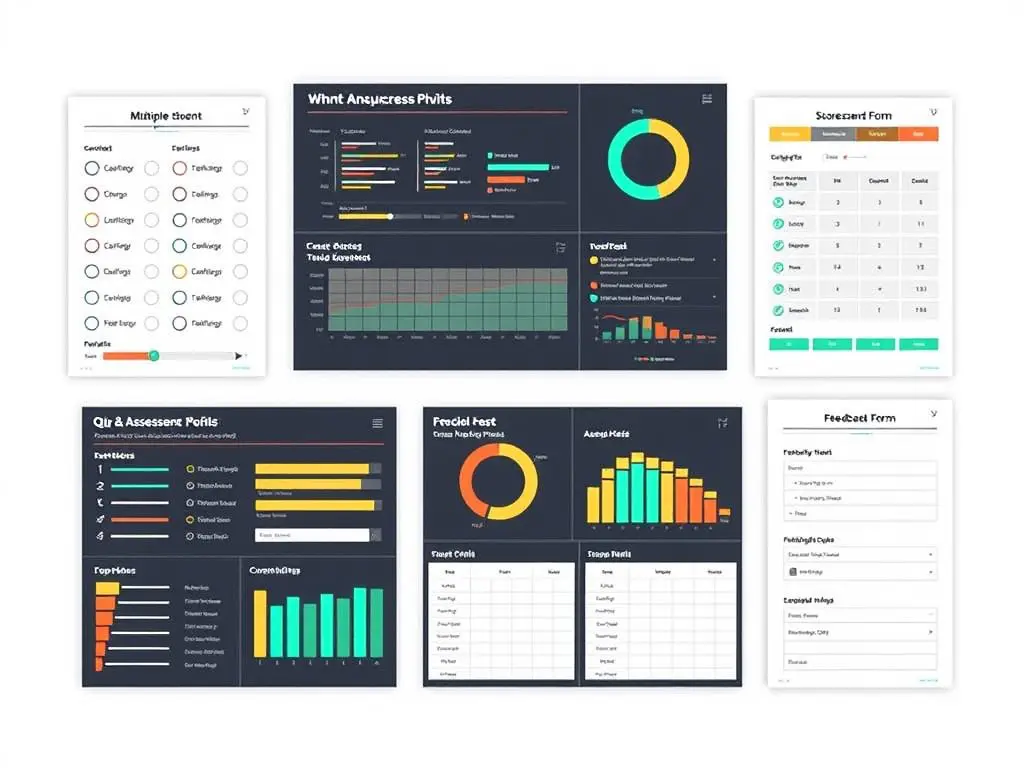
Quiz and Assessment Materials (Section 5)
To create engaging assessments, focus on:
- Designing multiple-choice templates.
- Structuring assessment layouts.
- Visualizing progress tracking.
- Crafting scorecard designs.
- Developing feedback form templates.
Course Completion Certificates (Section 6)
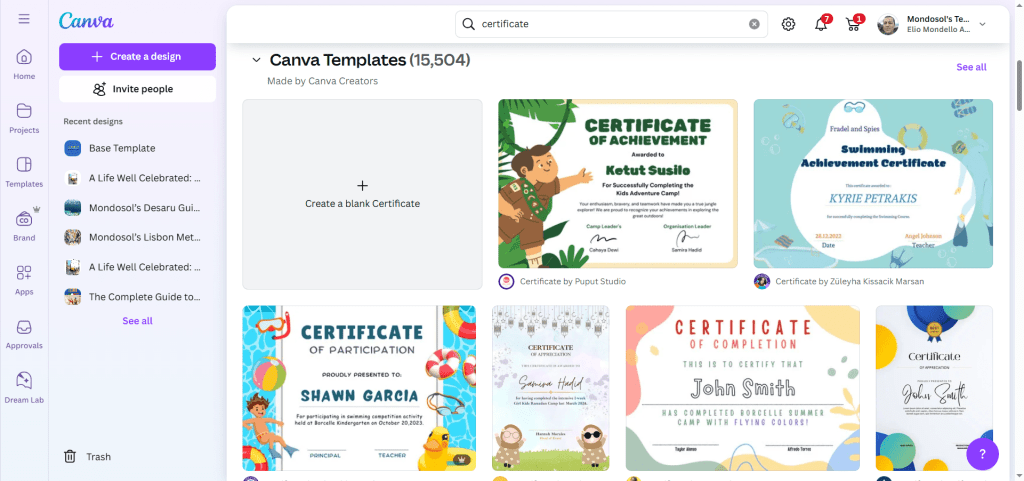
Make your course completion certificates stand out with:
- Professional certificate templates.
- Dynamic text fields for Personalization.
- Certification elements that add credibility.
- Support for multiple languages.
- Strategic placement of digital signatures.
Essential Course Material Components
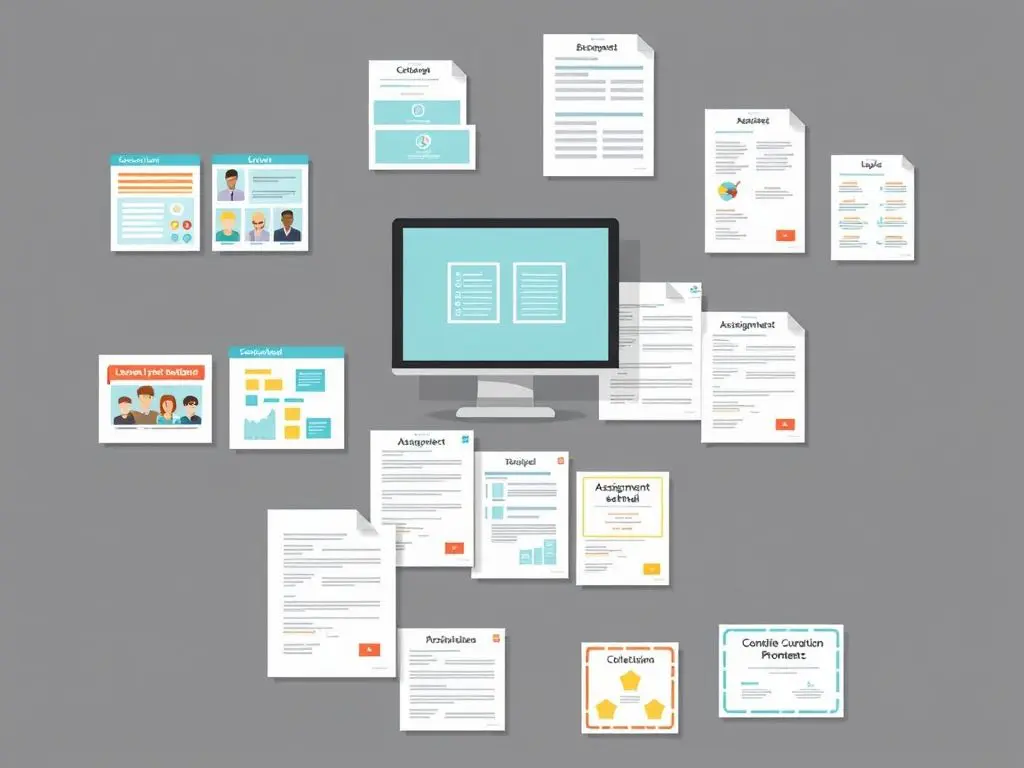
Be sure to include these key components:
- Course covers
- Module thumbnails
- Lesson presentations
- Worksheets and assignments
- Assessment materials
- Completion certificates
Setting Up Your Canva Educational Workspace
To improve your workspace, focus on:
- Creating a comprehensive brand kit.
- Selecting a cohesive color palette.
- Establishing font combinations for clarity.
- Organizing templates for easy access.
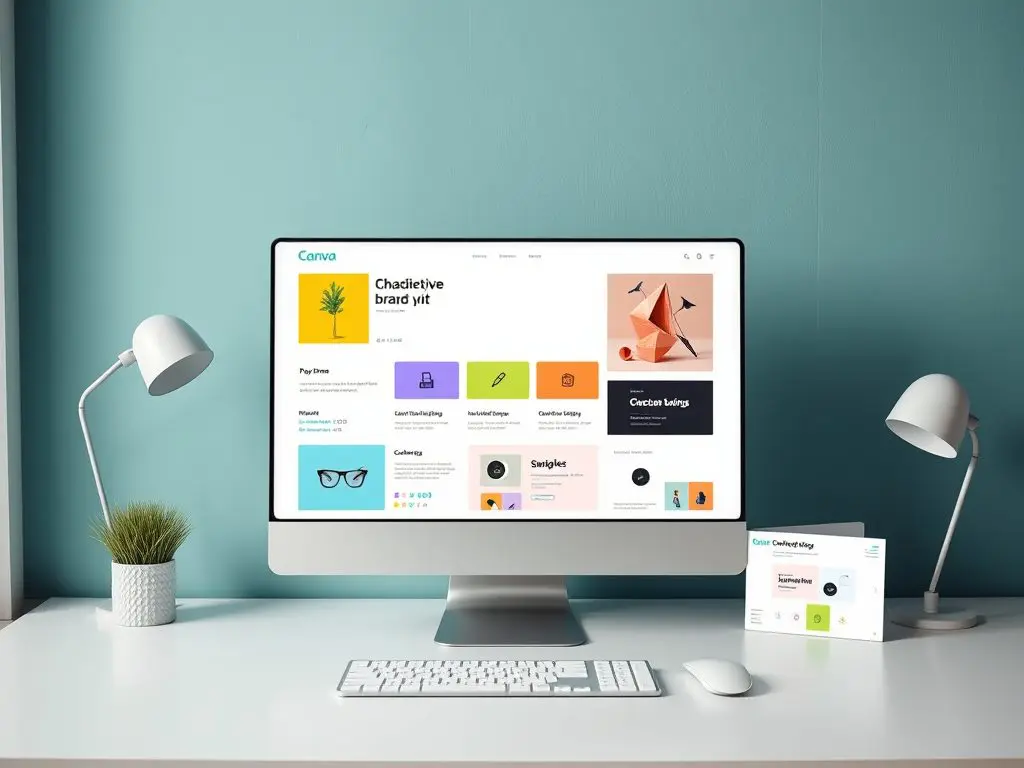
Creating Engaging Module Thumbnails
Practical Examples and Templates

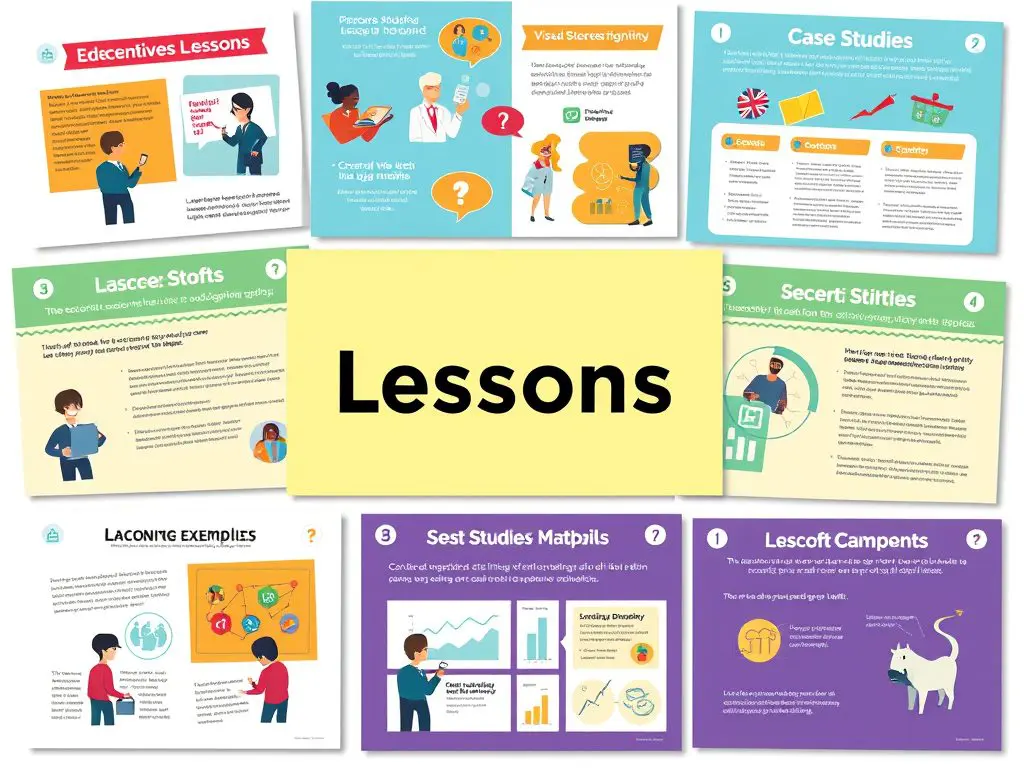
Designing Interactive Lesson Materials
Best Practices and Examples
Incorporate case studies or visual examples here.
Internal Links
- Guide to Creating Multilingual Content
- Materials for Enhancing Student Engagement
- Best Practices for Course Creation
External Links
FAQ Schema (for SEO)
Q: Can I create all my course materials in Canva?
A: Yes, Canva offers all the necessary tools to produce professional course materials including covers, presentations, worksheets, and certificates.
Q: How long does it take to create a full course material set in Canva?
A: With our templates and guide, you can create a finished set of course materials in 2-3 hours.
Q: Can I create multilingual course materials in Canva?
A: Yes, Canva supports multiple languages and this guide demonstrates how to create materials in 102+ languages.
Q: What design elements should I include for effective learning?
A: Key design elements include consistent typography, color psychology, and well-placed visual icons.




Leave a Reply