
📚 Mondosol Help Center
Find answers to all your questions about our coaching, courses, and services
Business & Coaching
Master global business success through expert multilingual coaching and the Power Hour Method
1 articleLearning & Education
Master languages faster through cultural immersion and innovative education approaches
11 articlesTravel & Accommodation
Professional travel and accommodation services for educational experiences
16 articlesBooking & Reservations
Streamline your booking and reservation experience with expert guidance
13 articlesGuest Posting
Share your expertise in travel, education, and personal development
6 articlesAffiliate Program
Join our lucrative affiliate program with 50% commissions and €2 sign-up bonus
Coming soonPricing & Payments
Transparent pricing structure for all educational services
1 articlePlatform & Support
Comprehensive support for account management and technical assistance
1 articleAbout Mondosol
Discover our mission to transform global learning through innovative education
Coming soon🔥 Most Popular Questions
Platform & Support (2)
Learn how to protect your Mondosol account on mobile devices. Discover essential security practices including password management, two-factor authentication, and safe browsing tips for mobile learning.
Keeping your Mondosol mobile access secure is essential for protecting your personal information, course progress, and payment details. Follow these best practices to ensure safe mobile learning.
🔒 Essential Mobile Security Practices
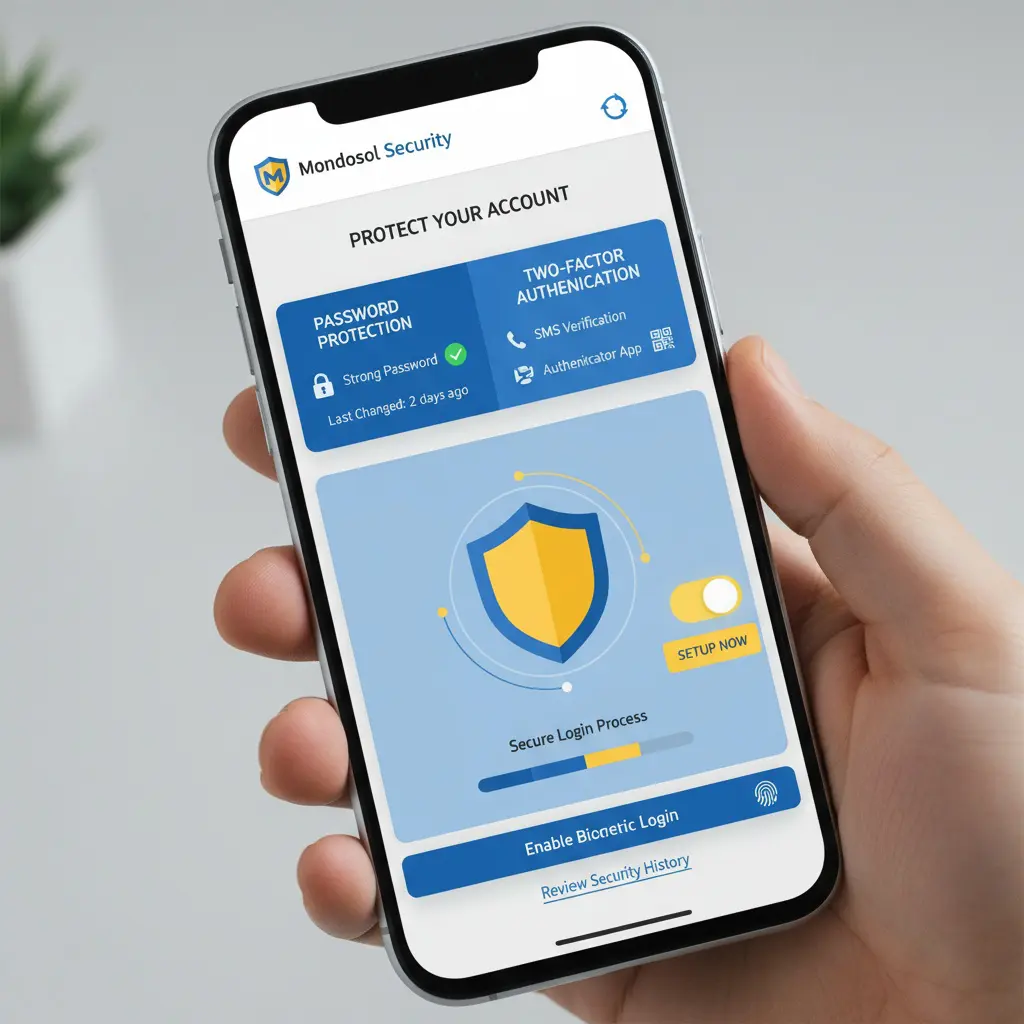
Strong Password Protection Create a unique, strong password for your Mondosol account:
- Use at least 12 characters
- Combine uppercase, lowercase, numbers, and symbols
- Avoid common words or personal information
- Never reuse passwords from other accounts
Enable Two-Factor Authentication Add an extra layer of security by enabling two-factor authentication (2FA) on your account settings. This requires a verification code in addition to your password when logging in from new devices.
Keep Your Device Updated Regularly update your mobile operating system and browser to the latest versions. Security patches protect against vulnerabilities that could compromise your account.
📱 Mobile-Specific Security Tips
Secure Your Device
- Enable device lock screen (PIN, pattern, or biometric)
- Use fingerprint or face recognition when available
- Never leave your device unattended while logged in
- Enable “Find My Device” features for lost/stolen devices
Use Secure Connections
- Connect only to trusted Wi-Fi networks
- Avoid public Wi-Fi for accessing sensitive information
- Use a VPN when connecting to public networks
- Enable mobile data encryption

Browser Security
- Clear cache and cookies regularly
- Enable “Do Not Track” in browser settings
- Use private/incognito mode on shared devices
- Log out after each session on public devices
🛡️ Account Protection Features
Mondosol provides several security features:
- SSL Encryption: All data transmitted is encrypted
- Secure Payment Processing: PCI-compliant payment systems
- Session Timeout: Automatic logout after inactivity
- Login Notifications: Email alerts for new device logins
⚠️ Recognize Security Threats
Phishing Awareness
- Mondosol will never ask for your password via email
- Verify email sender addresses before clicking links
- Report suspicious emails to our support team
Suspicious Activity If you notice unauthorized access:
- Change your password immediately
- Review recent account activity
- Contact Mondosol support
- Check connected devices in account settings
🔐 Privacy Settings
Manage your privacy on mobile:
- Review app permissions regularly
- Disable location tracking when not needed
- Control cookie preferences
- Manage notification settings

📚 External Resources
Learn more about mobile security:
- Mobile Security Best Practices – CISA
- Online Safety Guide – FTC
📚 Internal Resources
Need Security Help? Contact our support team or visit our FAQ page for more security guidance.
Discover how Mondosol protects your mobile learning experience. Learn about our SSL encryption, secure payment processing, data privacy measures, and security certifications for mobile users.
Yes, mobile access to Mondosol is secure. We implement industry-standard security measures to protect your personal information, course data, and payment details when accessing our platform from mobile devices.
🔒 Core Security Features

SSL Encryption All data transmitted between your mobile device and Mondosol servers is protected with SSL (Secure Sockets Layer) encryption. This ensures that your login credentials, personal information, and payment details remain private and secure.
Secure Payment Processing Mondosol uses PCI-compliant payment systems for all transactions. Your credit card and payment information is processed through secure, encrypted channels and never stored on our servers.
Data Protection We follow strict data privacy regulations including GDPR compliance. Your personal information is protected and never shared with third parties without your explicit consent.
🛡️ Mobile-Specific Security Measures
Secure Authentication
- Password encryption using industry-standard hashing
- Two-factor authentication (2FA) available
- Session timeout after inactivity
- Login notifications for new devices
Device Security
- Automatic logout on mobile browsers
- Secure cookie management
- Protection against cross-site scripting (XSS)
- Regular security audits and updates
Network Protection
- Secure HTTPS connections required
- Protection against man-in-the-middle attacks
- Encrypted data transmission
- Secure API endpoints
📱 Privacy Controls
Mondosol gives you control over your privacy:
- Manage cookie preferences
- Control data sharing settings
- Review connected devices
- Access your data through account settings
✅ Security Certifications
Our platform maintains:
- SSL/TLS certificates (verified)
- PCI DSS compliance for payments
- GDPR compliance for EU users
- Regular third-party security assessments
🔐 What We Protect
Personal Information:
- Account credentials
- Email addresses and contact details
- Payment information
- Course progress and certificates
Learning Data:
- Course enrollment history
- Quiz results and assessments
- Coaching session records
- Educational materials access
⚠️ Your Role in Security
While we provide robust security, you can enhance protection by:
- Using strong, unique passwords
- Enabling two-factor authentication
- Keeping your device updated
- Avoiding public Wi-Fi for sensitive transactions
- Logging out after each session on shared devices
🆘 Report Security Concerns
If you notice suspicious activity or have security concerns:
- Change your password immediately
- Contact our support team
- Review recent account activity
- Enable additional security features
📚 External Resources
Learn more about online security:
- Website Security Guide – Cloudflare
- Data Privacy Best Practices – GDPR.eu
📚 Internal Resources
Questions About Security? Visit our FAQ page or contact our support team for detailed information about our security measures.
Leave a Reply