


Discover how Mondosol uses the multilingual education platform Canva to create engaging educational content across 102 languages. Learn cultural adaptation techniques, success metrics, and student engagement strategies.

Mondosol’s Multilingual Education Platform: A Canva Showcase
Welcome to our comprehensive guide on creating multilingual educational content using Canva. At Mondosol, we manage content in 102 languages. We maintain impressive engagement rates. The average session time on the platform is 1:58 minutes.

Section 1: Platform Overview Using Canva Designs
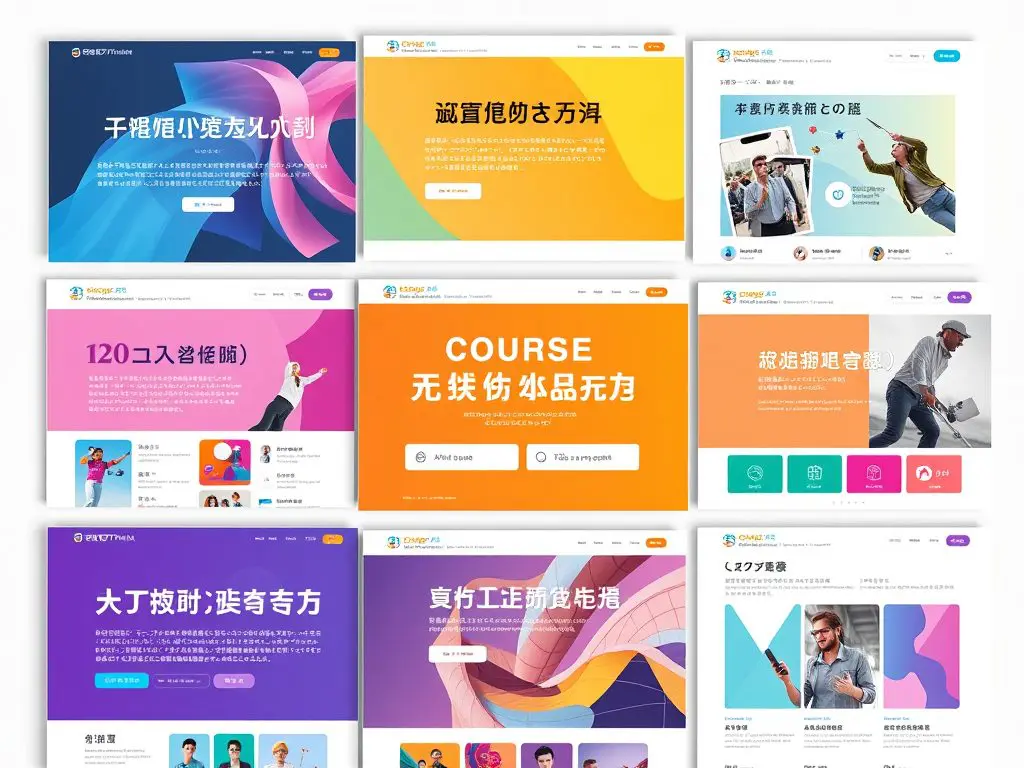
In this section, we delve into our design strategies which leverage Canva to create a seamless multilingual experience:
- Homepage Design Strategy
- Multi-language welcome banners that greet visitors in their preferred language.
- Thoughtful navigation elements guarantee users can easily traverse the platform, regardless of their language.
- Cultural-specific imagery choice is crucial; for instance, using diverse faces and settings that resonate with different backgrounds.
- Responsive design elements are implemented to guarantee accessibility across devices.

Section 2: Language Course Examples
When it comes to our language courses, we have implemented various effective techniques:
- Course Template System
- Our templates use language-specific color coding, making it easier for learners to navigate.
- Script adaptation techniques allow us to change content appropriately for diverse linguistic structures.
- The management of Right-To-Left (RTL) versus Left-To-Right (LTR) layouts ensures a smooth reading experience for all users.
- Carefully selected typography aligns with different alphabets, enhancing readability and engagement.
Section 3: Cultural Adaptation Techniques
Cultural sensitivity is vital in educational content. Here are techniques we use:
- Visual Elements
- Adhering to cultural-specific imagery guidelines helps avoid misinterpretation or insensitivity.
- We consider color psychology across cultures; for example, red signifies good fortune in some cultures but caution in others.
- Symbol adaptation ensures that educational materials resonate positively with local audiences.
- Recognizing regional design preferences can significantly impact the acceptance of educational content.
Case Study: A testimonial from an educator highlights the effectiveness of our culturally adapted materials in enhancing student engagement.
Section 4: Success Metrics Visualization
Maintaining a keen eye on success metrics enables us to adapt and improve. Here’s what we check:
- Data Presentation
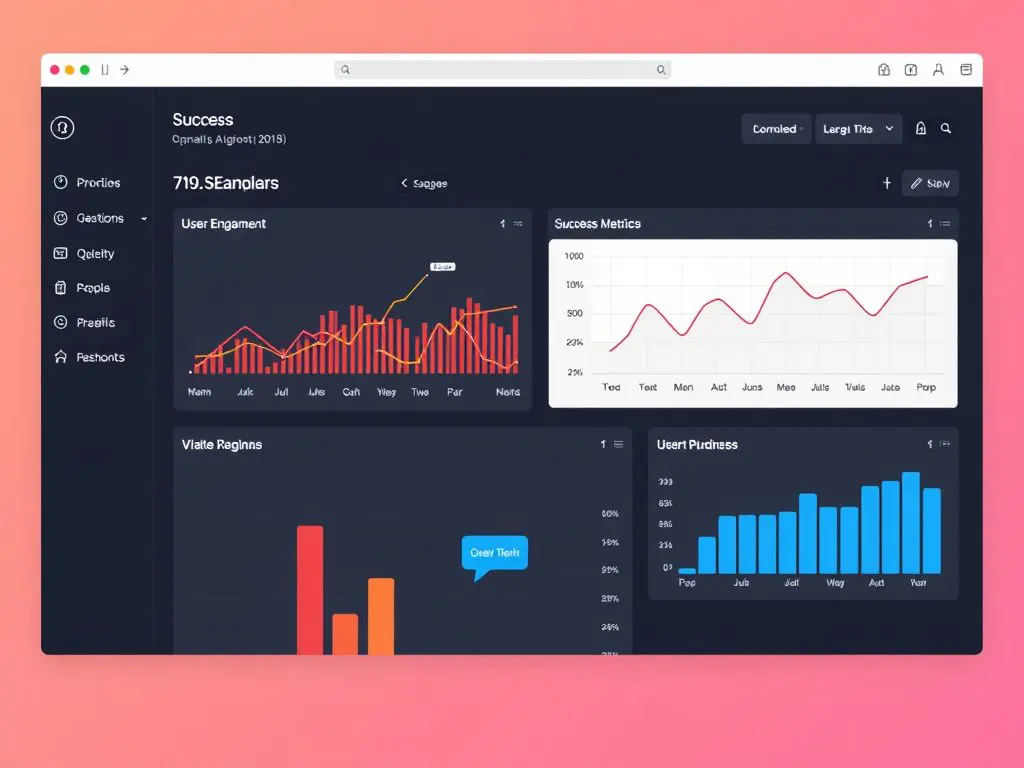
- Engagement rate displays reveal a low bounce rate of 5.64%, indicating visitors find our content compelling.
- Progress tracking visuals show users how far they’ve come in their learning journey.
- Achievement certificates offer motivation for learners as they finish courses.
- Performance dashboards offer insights into user engagement, guiding future content development.
Section 5: Student Engagement Materials
To foster a vibrant learning community, we offer various engagement materials:
- Interactive Elements
- Discussion prompts encourage learners to think critically and share their thoughts.
- Assignment templates simplify the submission process for students, ensuring clarity in expectations.
- Feedback forms are integrated to collect reactions and insights from students.
- Community engagement tools allow users to connect, share experiences, and support each other.

Key Metrics to Highlight:
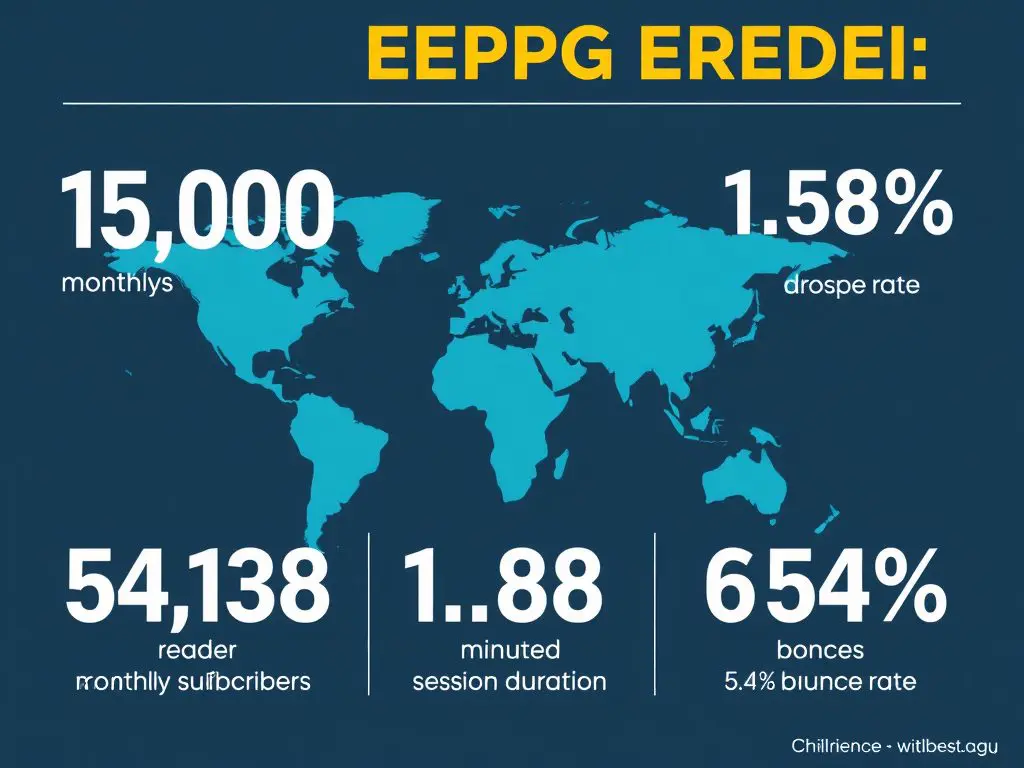
- 15,000 monthly readers on the multilingual platform
- 5,138 email subscribers
- Global reach across multiple continents
- 1:58 minutes average session duration
- 5.64% bounce rate
Actionable Tips for Educators
- Use Canva’s template library to save time on design while ensuring quality and consistency.
- Engage with your audience using interactive elements and encourage feedback to improve learning experiences.
- Remember to test your materials in different languages to make certain clarity and cultural appropriateness.





Leave a Reply