
📚 Mondosol Help Center
Find answers to all your questions about our coaching, courses, and services
Business & Coaching
Master global business success through expert multilingual coaching and the Power Hour Method
1 articleLearning & Education
Master languages faster through cultural immersion and innovative education approaches
11 articlesTravel & Accommodation
Professional travel and accommodation services for educational experiences
16 articlesBooking & Reservations
Streamline your booking and reservation experience with expert guidance
13 articlesGuest Posting
Share your expertise in travel, education, and personal development
6 articlesAffiliate Program
Join our lucrative affiliate program with 50% commissions and €2 sign-up bonus
Coming soonPricing & Payments
Transparent pricing structure for all educational services
1 articlePlatform & Support
Comprehensive support for account management and technical assistance
1 articleAbout Mondosol
Discover our mission to transform global learning through innovative education
Coming soon🔥 Most Popular Questions
Comprehensive guide to fixing common mobile issues on Mondosol. Learn practical solutions for login problems, app crashes, display issues, connectivity problems, and more to ensure seamless mobile learning.
Mobile issues can disrupt your Mondosol learning experience, but most problems have simple solutions. This comprehensive troubleshooting guide provides practical fixes for the most common mobile access issues, helping you get back to learning quickly.
Understanding Common Mobile Problems
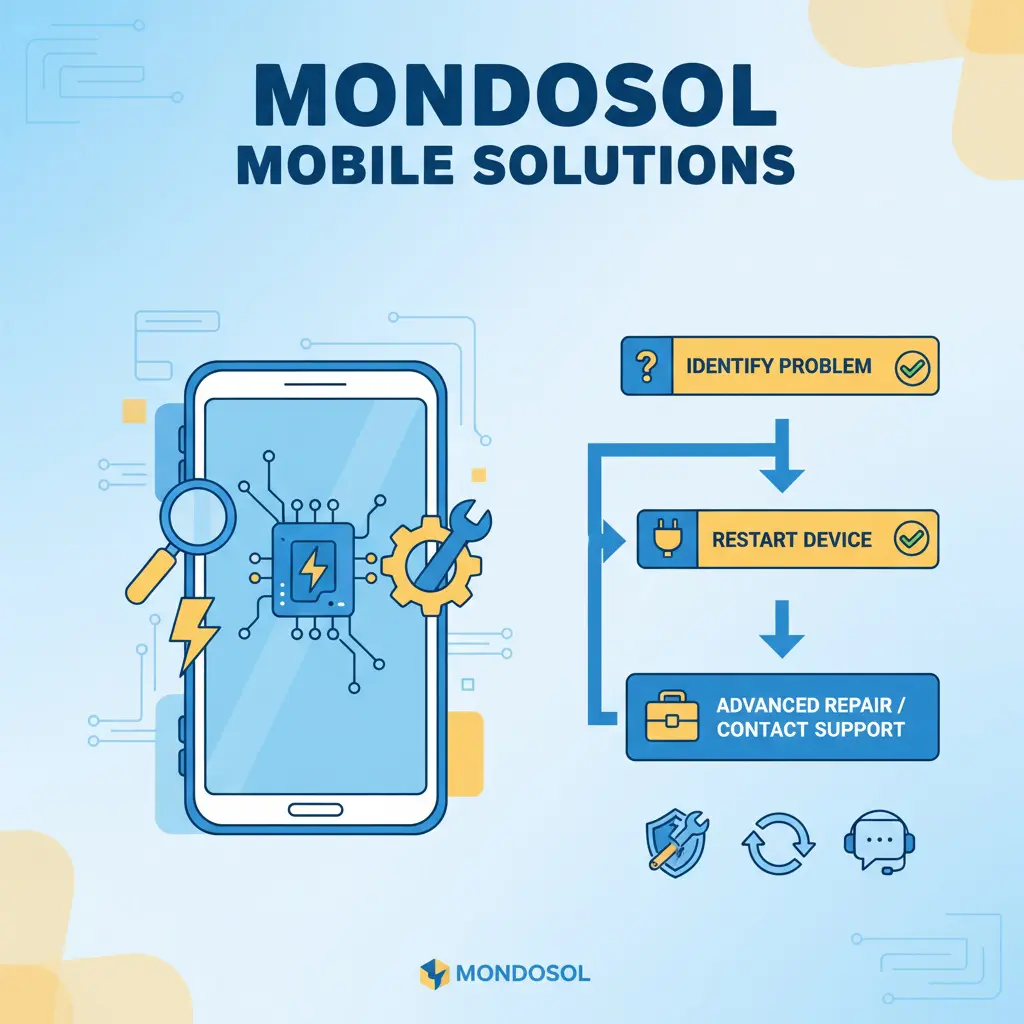
Mobile learning platforms face various technical challenges due to device diversity, network conditions, and software configurations. Identifying and resolving these issues ensures uninterrupted access to your Mondosol courses and coaching sessions.
Most Frequent Mobile Issues

Common problems include:
- Login and authentication failures
- App crashes and freezing
- Slow performance and loading
- Display and rendering problems
- Audio and video playback issues
Login and Authentication Issues
Cannot Log In to Mondosol 🔐
Problem: Unable to access your account on mobile devices.
Solutions:
Verify your credentials
- Double-check username and password
- Ensure caps lock is off
- Check for extra spaces
Clear browser data
- Delete cookies and cache
- Clear browsing history
- Restart browser
Reset your password
- Use “Forgot Password” feature
- Check email for reset link
- Create a strong new password
- Try logging in again
Check account status
- Verify email confirmation
- Ensure account is active
- Contact Mondosol support if locked
Two-Factor Authentication Problems
Problem: Not receiving 2FA codes.
Solutions:
- Check phone number accuracy
- Verify SMS delivery
- Use authenticator app instead
- Request backup codes
- Disable and re-enable 2FA
App Performance Issues
App Crashes or Freezes 📱
Problem: Mondosol app closes unexpectedly or becomes unresponsive.
Solutions:
Force close and restart
- Close app completely
- Clear from recent apps
- Reopen Mondosol app
Update the app
- Check app store for updates
- Install latest version
- Restart device after update
Clear app cache
- Go to device settings
- Find Mondosol app
- Clear cache and data
- Reopen app and log in
Reinstall the app
- Uninstall Mondosol app
- Restart device
- Download fresh copy
- Log in with credentials
Slow App Performance
Problem: App responds slowly or lags.
Solutions:
- Close background apps
- Free up device storage
- Disable battery-saving mode
- Update operating system
- Check internet connection speed
Display and Rendering Problems
Content Not Displaying Correctly 🖥️
Problem: Text, images, or videos appear broken or misaligned.
Solutions:
Refresh the page
- Pull down to refresh
- Close and reopen page
- Clear browser cache
Adjust display settings
- Rotate device orientation
- Adjust zoom level
- Check screen brightness
- Disable reading mode
Browser compatibility
- Update browser version
- Try different browser
- Enable JavaScript
- Disable browser extensions
Video Playback Issues
Problem: Videos won’t play or buffer constantly.
Solutions:
- Check internet speed
- Reduce video quality
- Switch to Wi-Fi connection
- Clear browser cache
- Update browser or app
- Disable VPN temporarily
Network and Connectivity Problems
Cannot Connect to Mondosol 🌐
Problem: Unable to access Mondosol website or app.
Solutions:
Check internet connection
- Verify Wi-Fi or mobile data
- Toggle airplane mode on/off
- Restart router
- Test other websites
Network troubleshooting
- Forget and reconnect to Wi-Fi
- Reset network settings
- Switch between Wi-Fi and mobile data
- Check data usage limits
Server status verification
- Check if Mondosol is down
- Try accessing from another device
- Contact support for updates
Slow Loading Times
Problem: Pages and content load very slowly.
Solutions:
- Move closer to Wi-Fi router
- Close unnecessary apps
- Clear browser cache
- Disable auto-play videos
- Use data-saving mode
- Restart device
Audio Problems
No Sound or Poor Audio Quality 🔊
Problem: Cannot hear course audio or coaching sessions.
Solutions:
Volume and settings
- Check device volume
- Unmute media volume
- Test with headphones
- Check app audio settings
Audio troubleshooting
- Restart app or browser
- Clear cache
- Update audio drivers
- Test other audio apps
- Check Bluetooth connections
Payment and Purchase Issues
Cannot Complete Payment 💳
Problem: Payment fails during course or coaching purchase.
Solutions:
- Verify payment information
- Check card expiration date
- Ensure sufficient funds
- Try alternative payment method
- Disable VPN
- Contact support
Notification Problems
Not Receiving Notifications 🔔
Problem: Missing course updates or coaching reminders.
Solutions:
- Enable app notifications
- Check device notification settings
- Verify email preferences
- Allowlist Mondosol emails
- Check spam folder
Download and Offline Access Issues
Cannot Download Course Materials 📥
Problem: Unable to save content for offline learning.
Solutions:
- Check available storage space
- Verify download permissions
- Use Wi-Fi for large files
- Clear app cache
- Update app version
Advanced Troubleshooting
Persistent Issues 🔧
If problems continue after basic troubleshooting:
Device diagnostics
- Run device performance check
- Check for malware
- Update operating system
- Factory reset (last resort)
Professional support
- Contact Mondosol support
- Provide detailed problem description
- Include screenshots
- Share device and OS information
Preventive Maintenance
Avoiding Future Issues ✅
- Keep apps and OS updated
- Regularly clear cache
- Maintain adequate storage
- Use reliable internet connections
- Backup important data
- Monitor device performance
When to Contact Support
Support Escalation
Contact Mondosol support when:
- Basic troubleshooting fails
- Account access issues persist
- Payment problems occur
- Technical errors continue
- You need personalized assistance
External Resources
Additional troubleshooting help:
Need immediate help? Contact our support team or visit our comprehensive FAQ page for more solutions.
Leave a Reply