
📚 Mondosol Help Center
Find answers to all your questions about our coaching, courses, and services
Business & Coaching
Master global business success through expert multilingual coaching and the Power Hour Method
1 articleLearning & Education
Master languages faster through cultural immersion and innovative education approaches
11 articlesTravel & Accommodation
Professional travel and accommodation services for educational experiences
16 articlesBooking & Reservations
Streamline your booking and reservation experience with expert guidance
13 articlesGuest Posting
Share your expertise in travel, education, and personal development
6 articlesAffiliate Program
Join our lucrative affiliate program with 50% commissions and €2 sign-up bonus
Coming soonPricing & Payments
Transparent pricing structure for all educational services
1 articlePlatform & Support
Comprehensive support for account management and technical assistance
1 articleAbout Mondosol
Discover our mission to transform global learning through innovative education
Coming soon🔥 Most Popular Questions
Platform & Support (2)
Slow loading times on mobile devices can hinder the Mondosol learning experience. This guide identifies common causes of mobile performance issues, such as network quality and device limitations, and offers strategies for optimization. Essential tips include enhancing Wi-Fi, tuning device performance, and utilizing the Mondosol app for improved access.
Experiencing slow loading times on mobile devices can significantly disrupt your Mondosol learning experience. This comprehensive guide explores the reasons behind mobile performance issues and provides practical solutions to optimize your mobile learning speed.
Understanding Mobile Performance Challenges
Mobile learning platforms like Mondosol require efficient data transmission and device performance. Slow loading times can stem from various technical and environmental factors that impact your educational experience.

Why Mobile Speed Matters
Fast mobile access ensures:
- Seamless course navigation
- Smooth video streaming
- Quick quiz and assessment loading
- Uninterrupted learning momentum
Common Causes of Slow Mobile Loading
Network-Related Issues 🌐
Internet Connection Quality
- Weak Wi-Fi signals
- Limited mobile data bandwidth
- Network congestion
- Distance from Wi-Fi router
Connection Type Performance
- 3G/4G/5G speed variations
- Cellular network limitations
- Peak usage times
- Geographical network infrastructure
Device-Specific Performance Factors 📱
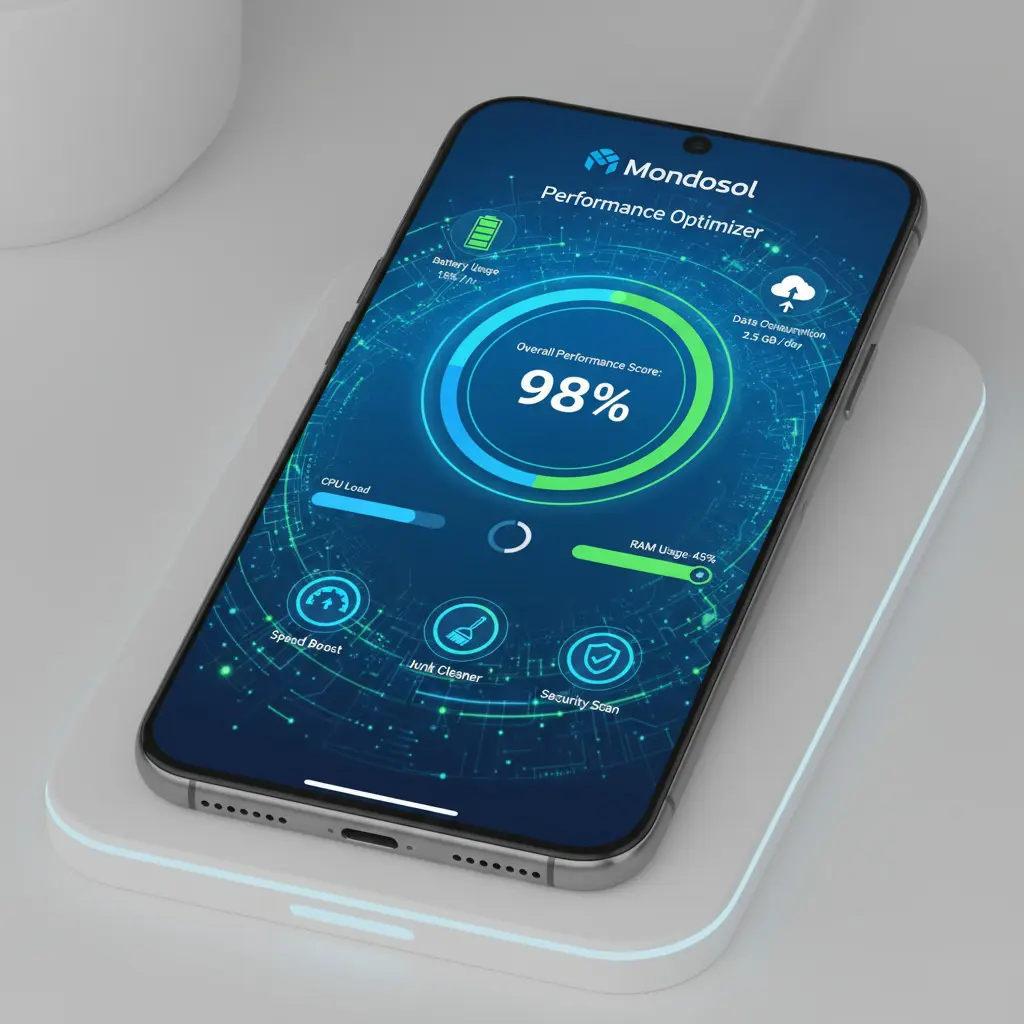
Hardware Limitations
- Older smartphone models
- Limited RAM
- Slow processor
- Insufficient storage space
Software Constraints
- Outdated operating system
- Overloaded device memory
- Background apps consuming resources
- Inefficient browser configuration
Diagnostic Steps for Performance Issues
Speed Testing Techniques 🚀

Internet Speed Assessment
- Use online speed test tools
- Compare Wi-Fi and mobile data speeds
- Check download and upload rates
- Measure latency and ping
Mondosol-Specific Performance Check
- Test loading times during different hours
- Compare performance across devices
- Use browser developer tools
- Monitor data consumption
Optimization Strategies
Network Optimization
Wi-Fi Improvements
- Move closer to router
- Reduce network interference
- Use 5GHz band
- Update router firmware
Mobile Data Enhancement
- Switch between 4G and 5G
- Disable power-saving mode
- Clear mobile network cache
- Reset network settings
Device Performance Tuning
Smartphone Maintenance
- Update operating system
- Clear app cache
- Close background applications
- Disable unnecessary widgets
Browser Configuration
- Update to latest browser version
- Clear browsing data
- Disable extensions
- Enable data-saving mode
Mondosol-Specific Optimization
Learning Platform Adjustments
Content Optimization
- Reduce video quality
- Download courses for offline access
- Use lightweight course materials
- Prefer text-based learning resources
App and Browser Settings
- Enable data-saving mode
- Minimize auto-play features
- Adjust streaming quality
- Use Mondosol mobile app
Advanced Troubleshooting
Performance Diagnostic Tools 🔍
Mobile Performance Apps
- Network diagnostics
- Resource monitoring
- Battery and data usage tracking
Mondosol Support Resources
- Performance troubleshooting guide
- Technical support consultation
- Community forum discussions
When to Seek Professional Help
Escalation Process
If performance issues persist:
- Document specific problems
- Collect performance metrics
- Contact Mondosol support
- Request technical consultation
Preventive Maintenance
Long-Term Mobile Performance
- Regular device updates
- Periodic app and system cleanup
- Invest in capable mobile hardware
- Maintain stable internet connection
- Stay informed about Mondosol updates
External Resources
Learn more about mobile performance:
Internal Resources
Need personalized assistance? Contact our support team or explore our comprehensive FAQ page.
Discover why you might experience slow loading on mobile devices when using Mondosol. Learn about network issues, device limitations, software problems, and practical solutions to optimize your mobile learning speed.
Slow loading times on mobile devices can significantly disrupt your Mondosol learning experience. Understanding the root causes of mobile performance issues helps you identify solutions and optimize your learning environment for faster, more efficient access.
Understanding Mobile Loading Speed
Mobile loading speed depends on multiple interconnected factors including network quality, device capabilities, software configuration, and content optimization. Identifying which factors affect your specific situation is the first step toward improvement.
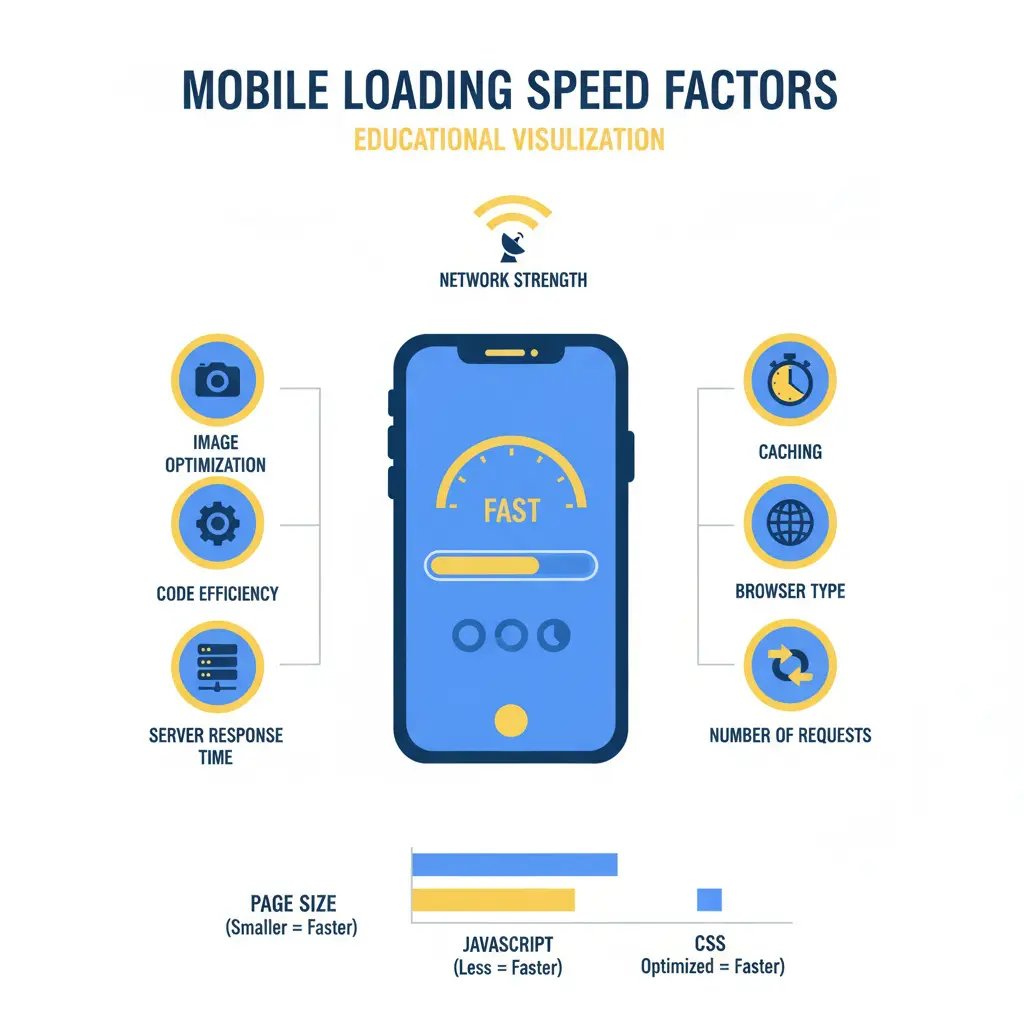
Why Loading Speed Matters
Fast mobile access ensures:
- Seamless course navigation
- Uninterrupted video streaming
- Quick quiz loading
- Efficient coaching session access
- Better learning engagement
Network-Related Causes
Internet Connection Quality 🌐
Weak Signal Strength
- Distance from Wi-Fi router
- Physical obstacles blocking signal
- Interference from other devices
- Router placement issues
Network Congestion
- Peak usage hours
- Multiple devices on same network
- Bandwidth-heavy activities by others
- ISP throttling during high traffic
Connection Type Limitations
- 3G networks significantly slower than 4G/5G
- Mobile data speed caps
- Shared public Wi-Fi bandwidth
- Cellular network coverage gaps
ISP and Service Provider Issues
Bandwidth Restrictions
- Data plan limitations
- Speed throttling after data cap
- Network maintenance periods
- Service provider infrastructure quality
Geographic Factors
- Rural area connectivity challenges
- Distance from cell towers
- Regional network infrastructure
- International connection latency

Device-Related Causes
Hardware Limitations 📱
Processor Performance
- Older smartphone models
- Limited CPU processing power
- Insufficient RAM capacity
- Slow storage read/write speeds
Device Age and Condition
- Outdated hardware components
- Battery degradation affecting performance
- Overheating causing throttling
- Physical damage impacting functionality
Storage and Memory Issues
Insufficient Storage Space
- Full device storage slowing operations
- Limited cache space
- Fragmented file system
- Temporary file accumulation
RAM Constraints
- Too many background apps
- Memory-intensive applications running
- Insufficient RAM for multitasking
- Memory leaks from problematic apps
Software and Configuration Causes
Operating System Issues 🔧
Outdated Software
- Old OS version lacking optimizations
- Missing performance updates
- Unpatched bugs affecting speed
- Compatibility issues with modern web standards
System Configuration
- Power-saving mode limiting performance
- Background processes consuming resources
- Automatic updates running
- System maintenance tasks
Browser and App Problems
Browser Configuration
- Outdated browser version
- Excessive cached data
- Too many open tabs
- Resource-heavy extensions installed
App-Specific Issues
- Mondosol app needs updating
- Corrupted app cache
- App data accumulation
- Inefficient app configuration

Content and Platform Factors
Mondosol Content Characteristics 📚
Media-Rich Content
- High-resolution video courses
- Large image files
- Interactive multimedia elements
- Downloadable course materials
Page Complexity
- Multiple elements loading simultaneously
- Third-party integrations
- Analytics and tracking scripts
- Dynamic content generation
External Service Dependencies
Third-Party Resources
- External video hosting
- Content delivery networks
- Payment processing systems
- Analytics services
Server Response Time
- Server location distance
- Server load during peak times
- Database query efficiency
- API response delays
Environmental and Usage Factors
Usage Patterns 🕐
- Peak Usage Times
- Evening hours when networks are busy
- Weekend traffic spikes
- Regional peak periods
- Seasonal usage variations
- Simultaneous Activities
- Multiple apps using data
- Background downloads
- Cloud sync operations
- Automatic updates running
Physical Environment
Location-Based Issues
- Building materials blocking signal
- Basement or interior room locations
- Moving vehicle connectivity
- Crowded public spaces
Weather and Interference
- Severe weather affecting cellular signals
- Electronic device interference
- Physical obstacles
- Electromagnetic interference
Diagnostic Steps
Identifying Your Specific Issue ✅
Speed Testing
- Test internet connection speed
- Compare Wi-Fi vs mobile data
- Check different times of day
- Test on different devices
Systematic Elimination
- Close all background apps
- Clear browser cache
- Restart device
- Test on different network
Performance Monitoring
- Track loading times
- Note when issues occur
- Document error messages
- Compare with other websites
Quick Fixes and Solutions
Immediate Actions 🚀
Network Optimization
- Move closer to Wi-Fi router
- Switch to less congested network
- Toggle airplane mode on/off
- Restart router
Device Optimization
- Close unnecessary apps
- Clear app cache
- Restart device
- Free up storage space
Browser Improvements
- Update browser
- Clear browsing data
- Disable extensions
- Use data-saving mode
Long-Term Solutions
Network Upgrades
- Upgrade internet plan
- Install Wi-Fi extenders
- Switch to better ISP
- Use mobile hotspot
Device Improvements
- Update operating system
- Upgrade to newer device
- Increase storage capacity
- Regular maintenance
When It’s Not Your Fault
Platform-Side Issues 🔍
Sometimes slow loading relates to:
- Mondosol server maintenance
- Platform updates in progress
- High traffic on platform
- Technical issues being resolved
Contact Mondosol support if:
- Other websites load normally
- Issue persists across devices
- Problem occurs consistently
- Error messages appear
Prevention Strategies
Maintaining Optimal Performance ✨
Regular Maintenance
- Weekly cache clearing
- Monthly device restart
- Quarterly app updates
- Annual device evaluation
Proactive Measures
- Monitor data usage
- Schedule downloads during off-peak
- Use Wi-Fi for large files
- Keep software updated
External Resources
Learn more about mobile performance:
Experiencing persistent slow loading? Contact our support team or visit our FAQ page for personalized assistance.
Leave a Reply