
📚 Mondosol Help Center
Find answers to all your questions about our coaching, courses, and services
Business & Coaching
Master global business success through expert multilingual coaching and the Power Hour Method
1 articleLearning & Education
Master languages faster through cultural immersion and innovative education approaches
11 articlesTravel & Accommodation
Professional travel and accommodation services for educational experiences
16 articlesBooking & Reservations
Streamline your booking and reservation experience with expert guidance
13 articlesGuest Posting
Share your expertise in travel, education, and personal development
6 articlesAffiliate Program
Join our lucrative affiliate program with 50% commissions and €2 sign-up bonus
Coming soonPricing & Payments
Transparent pricing structure for all educational services
1 articlePlatform & Support
Comprehensive support for account management and technical assistance
1 articleAbout Mondosol
Discover our mission to transform global learning through innovative education
Coming soon🔥 Most Popular Questions
Explore all mobile features available on Mondosol including course access, video streaming, coaching services, account management, offline capabilities, and more. Learn how to maximize your mobile learning experience.
Mondosol provides comprehensive mobile access to ensure seamless learning on smartphones and tablets. This guide explores all available mobile features, helping you maximize your educational experience while learning on the go.
Complete Mobile Feature Overview
Mondosol’s mobile platform delivers a full-featured learning experience designed specifically for mobile devices. Whether you’re using iOS or Android, you have access to nearly all platform capabilities available on desktop computers.

Mobile-First Design Philosophy
Mondosol prioritizes:
- Responsive interface design
- Touch-optimized navigation
- Mobile-friendly content delivery
- Seamless cross-device synchronization
- Optimized performance for smartphones
Core Learning Features
Course Access and Navigation 📚
Full Course Catalog
- Browse all available courses
- Search and filter courses
- View course descriptions
- Check course requirements
- Access course previews
Course Enrollment
- Enroll in courses directly
- Add courses to wishlist
- Track enrollment status
- Manage course schedule
- View enrollment history
Learning Progress
- Track course completion
- View progress percentages
- Monitor learning streaks
- Access achievement badges
- Review learning statistics
Content Consumption
Video Learning
- Stream course videos
- Adjust playback speed
- Enable subtitles and captions
- Download videos for offline viewing
- Resume from last position
Text-Based Content
- Read course materials
- Access PDF documents
- View presentations
- Read blog posts and articles
- Save content for later
Interactive Elements
- Complete quizzes and assessments
- Participate in interactive exercises
- Submit assignments
- Engage with multimedia content
- Access downloadable resources
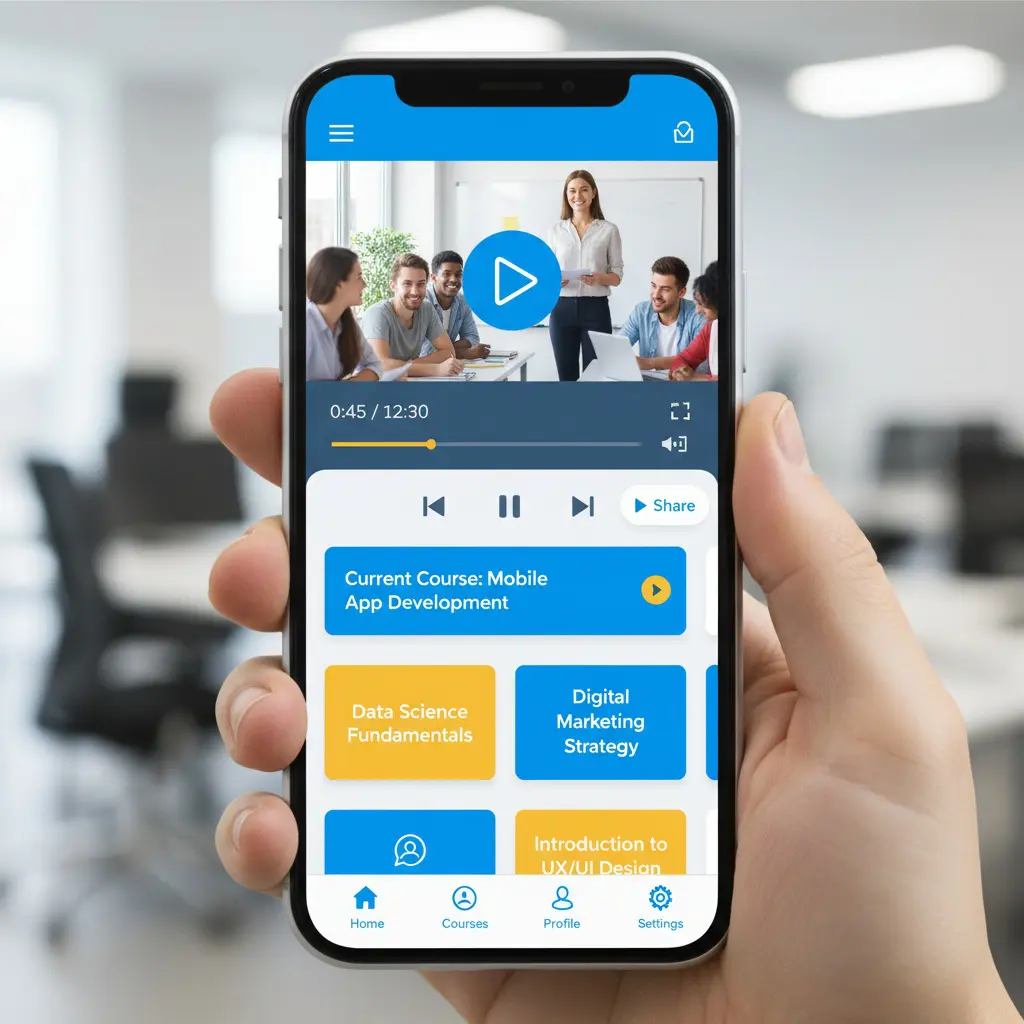
Coaching and Communication Features
Coaching Services 🎓
Session Booking
- View available coaching slots
- Book coaching sessions
- Reschedule appointments
- Cancel with proper notice
- Receive booking confirmations
Video Coaching
- Join video coaching sessions
- Screen sharing capabilities
- Audio-only option available
- Chat during sessions
- Record sessions (with permission)
Coaching Management
- View upcoming sessions
- Access session history
- Review coaching notes
- Track coaching progress
- Rate coaching experiences
Communication Tools
Messaging System
- Contact support team
- Message instructors
- Communicate with coaches
- Participate in discussions
- Receive notifications
Email Integration
- Receive course updates
- Get coaching reminders
- Access newsletter content
- Password reset emails
- Account notifications
Account Management Features
Profile and Settings ⚙️
Account Information
- Update profile details
- Change password
- Manage email preferences
- Update contact information
- Set language preferences
Privacy Controls
- Manage privacy settings
- Control data sharing
- Review connected devices
- Enable two-factor authentication
- Manage cookie preferences
Notification Management
- Customize notification types
- Set notification frequency
- Enable push notifications
- Manage email alerts
- Control SMS notifications
Payment and Billing
Purchase Management
- Buy courses on mobile
- Book coaching sessions
- Process secure payments
- View payment history
- Download invoices
Payment Methods
- Credit/debit card payments
- Digital wallet support
- Save payment methods
- Update billing information
- Manage subscriptions
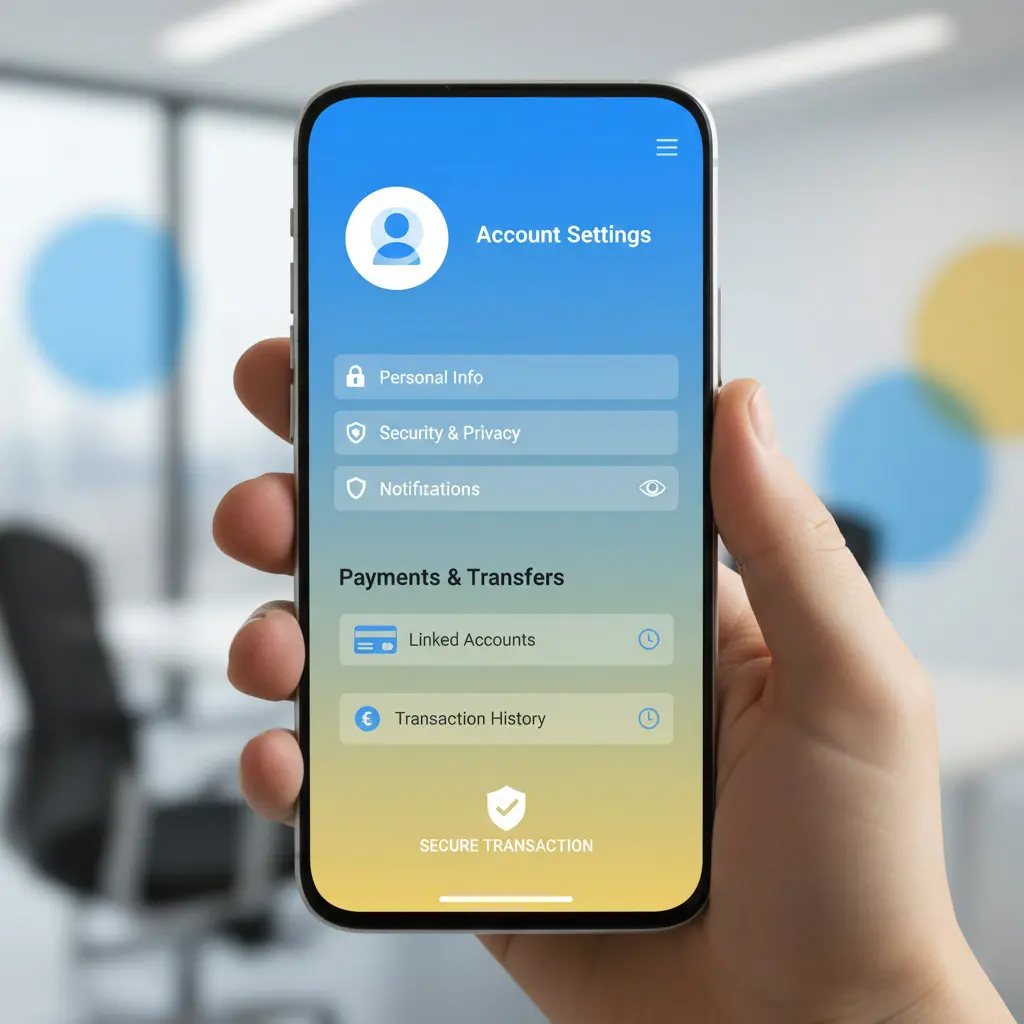
Social and Community Features
Engagement Tools 👥
Community Participation
- Join discussion forums
- Comment on blog posts
- Share learning achievements
- Connect with other learners
- Participate in study groups
Social Sharing
- Share course progress
- Post achievements on social media
- Invite friends to Mondosol
- Share course recommendations
- Celebrate milestones
Search and Discovery
Content Discovery 🔍
Search Functionality
- Search courses by keyword
- Filter by category
- Sort by relevance or popularity
- Advanced search options
- Save search preferences
Recommendations
- Personalized course suggestions
- Related course recommendations
- Trending courses
- New course notifications
- Curated learning paths
Offline Capabilities
Download Features 📥
Offline Content Access
- Download course videos
- Save course materials
- Access downloaded content offline
- Sync progress when online
- Manage downloaded files
Storage Management
- View storage usage
- Delete downloaded content
- Set download quality
- Choose download location
- Automatic cleanup options
Accessibility Features
Inclusive Design ♿
Accessibility Options
- Screen reader compatibility
- Adjustable text size
- High contrast mode
- Voice navigation support
- Keyboard navigation
Language Support
- 102 languages available
- Automatic translation
- Language switching
- Regional content adaptation
- Multilingual interface
Performance Features
Optimization Tools 🚀
Data Saving Mode
- Reduce data consumption
- Lower video quality
- Compress images
- Limit background data
- Monitor data usage
Performance Settings
- Adjust streaming quality
- Enable hardware acceleration
- Clear cache easily
- Optimize battery usage
- Reduce animations
Security Features
Protection Measures 🔒
Account Security
- Two-factor authentication
- Biometric login (fingerprint/face)
- Secure session management
- Automatic logout
- Login notifications
Data Protection
- Encrypted connections
- Secure payment processing
- Privacy controls
- Data backup options
- GDPR compliance
Mobile App vs Mobile Browser
Feature Comparison
Mobile App Advantages:
- Faster performance
- Offline access
- Push notifications
- Better integration
- Enhanced security
Mobile Browser Benefits:
- No installation required
- Always up-to-date
- Cross-platform compatibility
- Lower storage requirements
- Instant access
Upcoming Mobile Features
Planned Enhancements 🌟
Mondosol is developing:
- Enhanced offline capabilities
- Advanced collaboration tools
- Improved video conferencing
- AI-powered recommendations
- Augmented reality features
Feature Availability by Device
iOS Features
- Full feature parity with Android
- Apple Pay integration
- iCloud backup support
- Siri shortcuts
- Apple Watch companion (planned)
Android Features
- Google Pay integration
- Widget support
- Android Auto compatibility
- Google Assistant integration
- Wear OS support (planned)
Getting Started with Mobile Features
Quick Start Guide ✅
- Download Mondosol app or visit website
- Log in to your account
- Explore the course catalog
- Enroll in your first course
- Customize notification settings
- Download content for offline access
- Book your first coaching session
- Join the community discussions
External Resources
Learn more about mobile learning:
Ready to explore all mobile features? Download the Mondosol app or visit mondosol.com on your mobile browser. Need help? Contact our support team or check our FAQ page.
Leave a Reply