
📚 Mondosol Help Center
Find answers to all your questions about our coaching, courses, and services
Business & Coaching
Master global business success through expert multilingual coaching and the Power Hour Method
1 articleLearning & Education
Master languages faster through cultural immersion and innovative education approaches
11 articlesTravel & Accommodation
Professional travel and accommodation services for educational experiences
16 articlesBooking & Reservations
Streamline your booking and reservation experience with expert guidance
13 articlesGuest Posting
Share your expertise in travel, education, and personal development
6 articlesAffiliate Program
Join our lucrative affiliate program with 50% commissions and €2 sign-up bonus
Coming soonPricing & Payments
Transparent pricing structure for all educational services
1 articlePlatform & Support
Comprehensive support for account management and technical assistance
1 articleAbout Mondosol
Discover our mission to transform global learning through innovative education
Coming soon🔥 Most Popular Questions
Understand mobile access limitations on Mondosol and learn effective workarounds. Discover technical constraints, feature restrictions, and optimization strategies for the best mobile learning experience.
Understanding mobile access limitations helps you optimize your Mondosol learning experience. While our platform is designed for seamless mobile use, certain technical and practical constraints exist. This guide explains these limitations and provides workarounds for the best mobile learning experience.
Mobile Access Overview
Mondosol provides comprehensive mobile access to courses, coaching sessions, and educational resources. However, mobile devices have inherent limitations compared to desktop computers that may affect certain features and functionalities.
Platform Accessibility
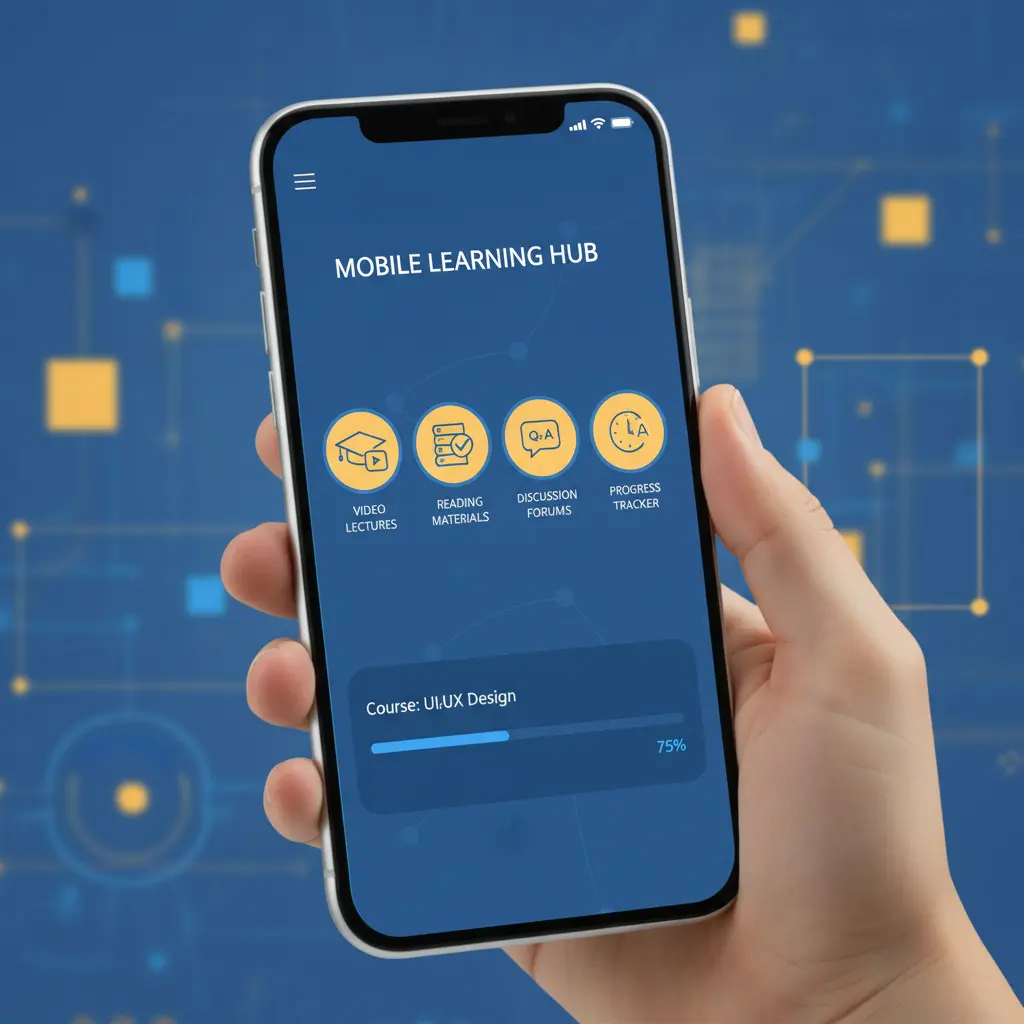
Mondosol mobile access includes:
- Full course catalog browsing
- Video and audio content streaming
- Quiz and assessment completion
- Coaching session booking
- Account management
- Progress tracking
Technical Limitations
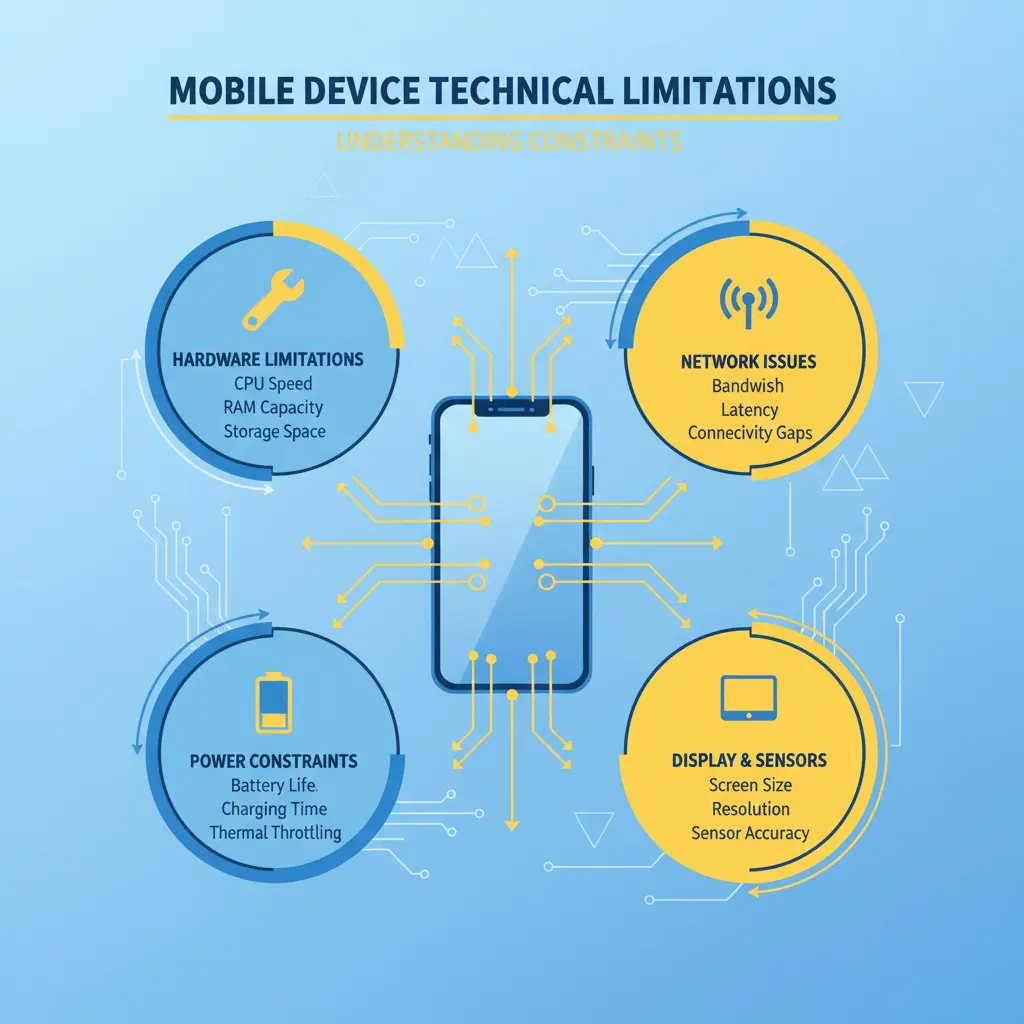
Device Hardware Constraints 📱
Screen Size Restrictions
- Smaller display area
- Limited multitasking capabilities
- Reduced visibility for detailed content
- Challenging navigation for complex interfaces
Processing Power
- Slower performance on older devices
- Limited RAM affects multitasking
- Battery consumption during extended use
- Heat generation during intensive sessions
Storage Capacity
- Limited space for downloaded content
- Restricted offline course access
- Cache size limitations
- App storage requirements
Network and Connectivity
Data Usage Considerations
- Video streaming consumes significant data
- Mobile data caps may apply
- Slower speeds on cellular networks
- Connection stability varies by location
Bandwidth Limitations
- Reduced streaming quality on slow connections
- Buffering during video playback
- Download speed restrictions
- Upload limitations for assignments
Feature-Specific Limitations
Content Interaction Restrictions 🎓
File Management
- Limited file upload sizes
- Restricted file type support
- Download limitations
- Attachment handling constraints
Editing Capabilities
- Reduced text editing functionality
- Limited formatting options
- Challenging document creation
- Restricted multimedia editing
Assessment Features
- Complex quiz formats may be challenging
- Limited screen space for multiple-choice
- Typing lengthy responses difficult
- File attachment restrictions
Multimedia Limitations
Video Features
- Maximum resolution restrictions
- Playback quality depends on connection
- Limited video editing capabilities
- Screen recording restrictions
Audio Functionality
- Microphone quality variations
- Background noise interference
- Audio recording limitations
- Playback device dependencies
Browser and App Limitations
Mobile Browser Constraints 🌐
Browser Compatibility
- Feature support varies by browser
- Extension limitations
- Pop-up handling differences
- Cookie and cache restrictions
Performance Issues
- Tab management limitations
- Memory usage constraints
- Background process restrictions
- Refresh and reload requirements
App-Specific Limitations
Platform Restrictions
- iOS vs Android feature differences
- Operating system version requirements
- App store update dependencies
- Platform-specific bugs
Offline Functionality
- Limited offline course access
- Sync requirements for progress
- Downloaded content expiration
- Storage space requirements

Practical Usage Limitations
Learning Experience Constraints 📚
Extended Study Sessions
- Eye strain from small screens
- Ergonomic challenges
- Battery life limitations
- Distraction susceptibility
Multitasking Difficulties
- Split-screen limitations
- App switching challenges
- Reference material access
- Note-taking complications
Communication Limitations
Coaching Session Constraints
- Video call quality dependencies
- Screen sharing limitations
- Audio quality variations
- Collaborative tool restrictions
Support Access
- Limited live chat functionality
- Reduced screen-sharing capabilities
- File sharing restrictions
- Response time variations
Workarounds and Solutions
Optimizing Mobile Learning ✅
Device Preparation
- Use latest device models when possible
- Maintain adequate storage space
- Keep operating system updated
- Close unnecessary background apps
Connection Optimization
- Prefer Wi-Fi over mobile data
- Download content for offline use
- Adjust streaming quality settings
- Use data-saving modes
Feature Alternatives
- Use desktop for complex tasks
- Switch devices for intensive work
- Plan downloads during Wi-Fi access
- Utilize mobile-optimized features
Hybrid Approach
Mobile for Convenience
- Quick course reviews
- Short video lessons
- Progress checking
- Communication and updates
Desktop for Intensive Work
- Detailed assignments
- Complex assessments
- Extended study sessions
- Content creation tasks
No Artificial Restrictions
Mondosol Commitment 🌟
Important clarifications:
- No intentional feature limitations
- Full course catalog access
- Complete coaching services available
- All payment options supported
- Unlimited learning time
- No mobile-specific pricing
Equal Access Philosophy
Mondosol ensures:
- Mobile-first design approach
- Responsive platform optimization
- Regular mobile improvements
- User feedback integration
- Continuous enhancement
Future Mobile Enhancements
Planned Improvements 🚀
Mondosol is working on:
- Enhanced mobile app features
- Improved offline capabilities
- Better multimedia support
- Advanced collaboration tools
- Performance optimizations
Comparison: Mobile vs Desktop
When to Use Mobile
Best for:
- On-the-go learning
- Quick reviews
- Video watching
- Progress tracking
- Communication
When to Use Desktop
Recommended for:
- Complex assignments
- Detailed note-taking
- Extended study sessions
- Content creation
- Multi-resource research
External Resources
Learn more about mobile learning:
Have questions about mobile access? Contact our support team or explore our FAQ page for detailed guidance.
Leave a Reply