


Simple solutions for common projector audio control issues, including built-in buttons and external speakers.
![How to Turn Up Volume on Projector Without Remote: Complete Guide [2025]](https://mondosol.com/wp-content/smush-webp/2025/04/how-to-turn-up-volume-on-projector-without-remote-complete-3.jpg.webp)
Learn 5 proven techniques to adjust your projector’s volume without a remote.
Lost or broken your projector remote? Don’t worry! This comprehensive guide will show you multiple ways to control your projector’s volume without needing a remote control. Whether you’re in the middle of a presentation, these solutions will help you manage your audio settings. They are also effective during a movie night.
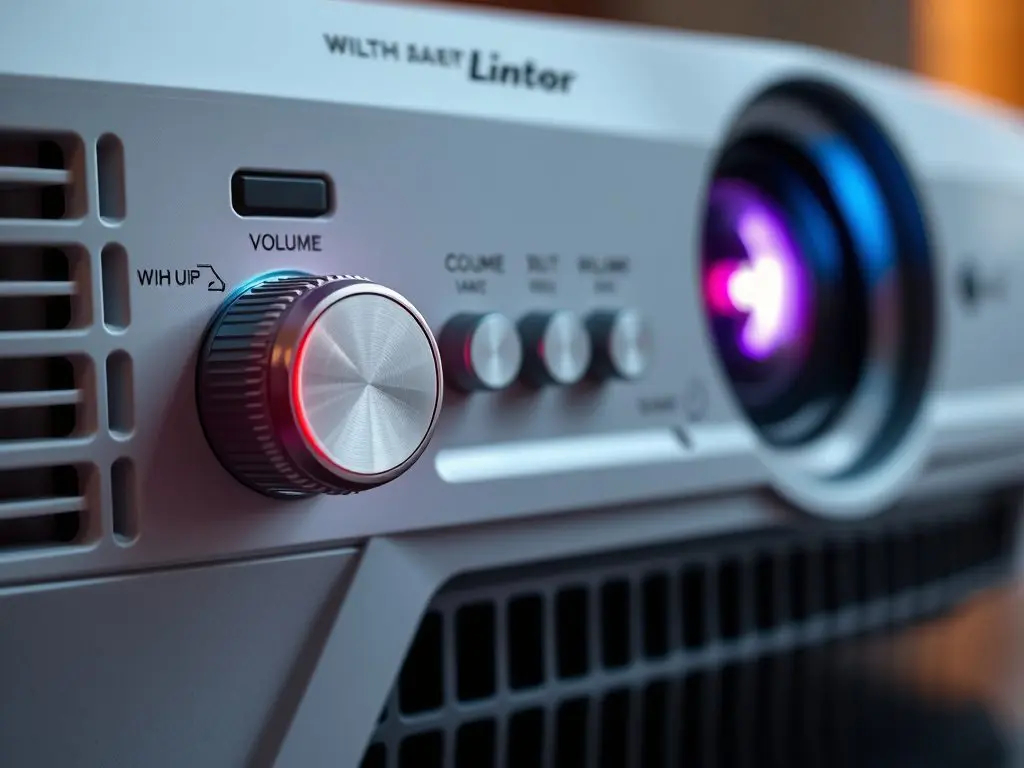
Quick Solutions to Control Projector Volume Without Remote
- Using Built-in Control Panel:
- Locate the control panel on your projector (usually on top or side).
- Look for volume up/down buttons or menu navigation buttons.
- Access the audio settings through the main menu.
- Connect External Speakers:
- Use the auxiliary (AUX) output port.
- Connect powered speakers or a soundbar.
- Control the volume directly from the external audio device.
Step-by-Step Techniques for Adjusting Volume on Different Projector Brands
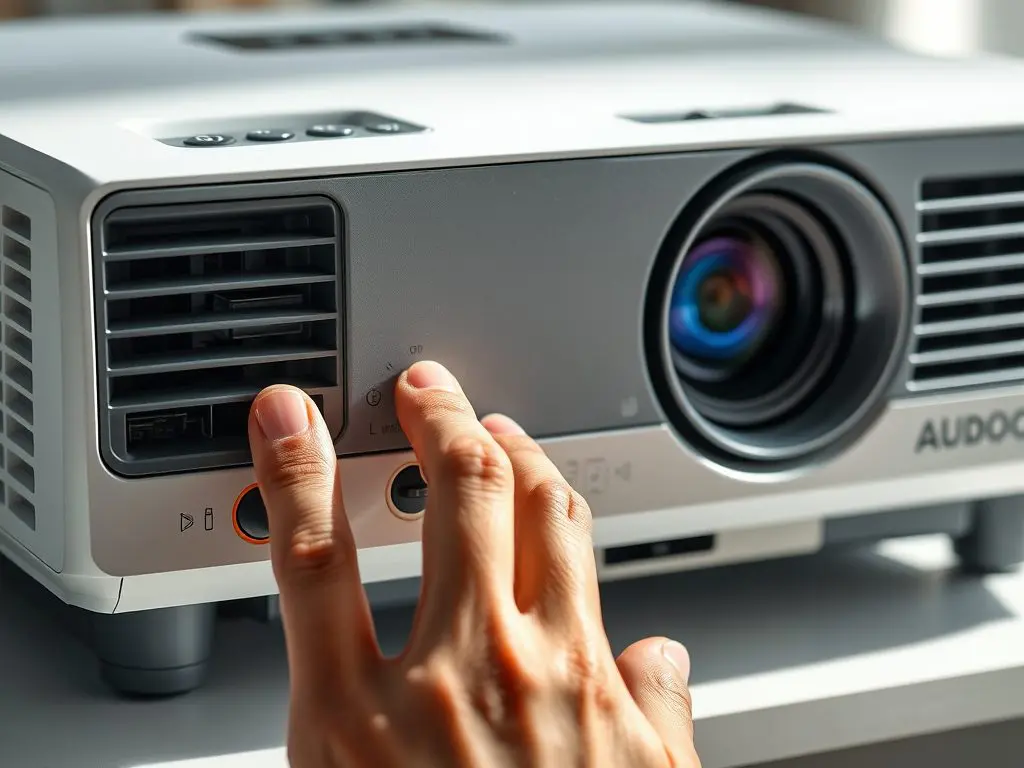
Method 1: Using Physical Buttons on the Projector
- Power on your projector.
- Locate the built-in control panel.
- Find the menu button.
- Navigate to audio settings.
- Adjust the volume using the arrow keys.
Method 2: Universal Remote Setup
- Buy a compatible universal remote.
- Find your projector’s manufacturer code.
- Program the remote, after manufacturer instructions.
- Test the volume controls.
Substitute Solutions for Volume Control
- Use HDMI CEC Features:
Many modern devices support HDMI CEC, allowing control through a single remote. - Install Projector Control Apps:
Look for brand-specific apps to manage volume via your smartphone. - Connect Through an Audio Receiver:
Enhance your audio experience by routing the projector’s output through a receiver. - Use Streaming Device Remote:
If you’re streaming content, the device’s remote can control volume for compatible projectors.
Troubleshooting Common Volume Issues
- No Sound Output:
Check the input source and make sure proper connections. Also, confirm that the audio isn’t muted in the projector’s settings. - Volume Buttons Not Responding:
Consider resetting the projector or checking for any software updates. - Audio Sync Problems:
Try adjusting audio delay settings or reviewing connections with external devices. - Connection Issues:
Make sure cables are firmly connected and that the correct input source is selected.
Pro Tips for Better Projector Audio Management
- Regularly keep audio ports.
- Keep backup external speakers handy.
- Document your projector’s control codes for easy reference.
- Consider professional audio setup for permanent installations.
- Always keep an eye on the firmware updates for your projector.
FAQs About Projector Volume Control
Q: Why won’t my projector’s built-in volume buttons work?
A: This is due to menu locks, software issues, or hardware malfunction.
Q: Can I use my phone to control projector volume?
A: Yes, many manufacturers offer official apps for projector control.
Conclusion
Managing your projector’s volume without a remote doesn’t have to be complicated. With these methods, you can easily control your audio settings and enjoy your content without interruption. Remember to check your projector’s manual for specific instructions related to your model.
Call to Action
Need help with other projector-related issues? Check out our thorough guide to projector troubleshooting or contact us for personalized assistance.






Leave a Reply